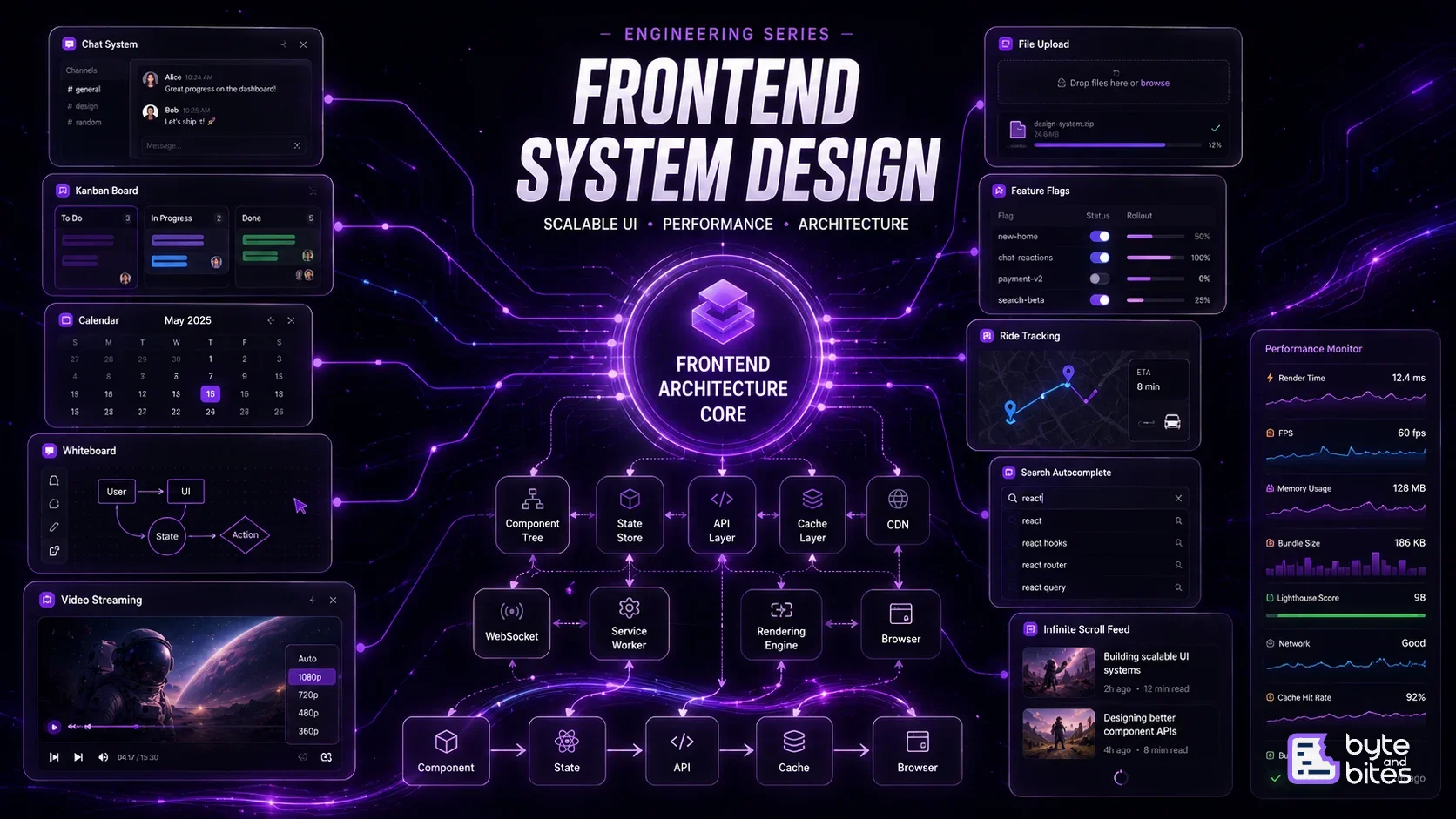
Frontend

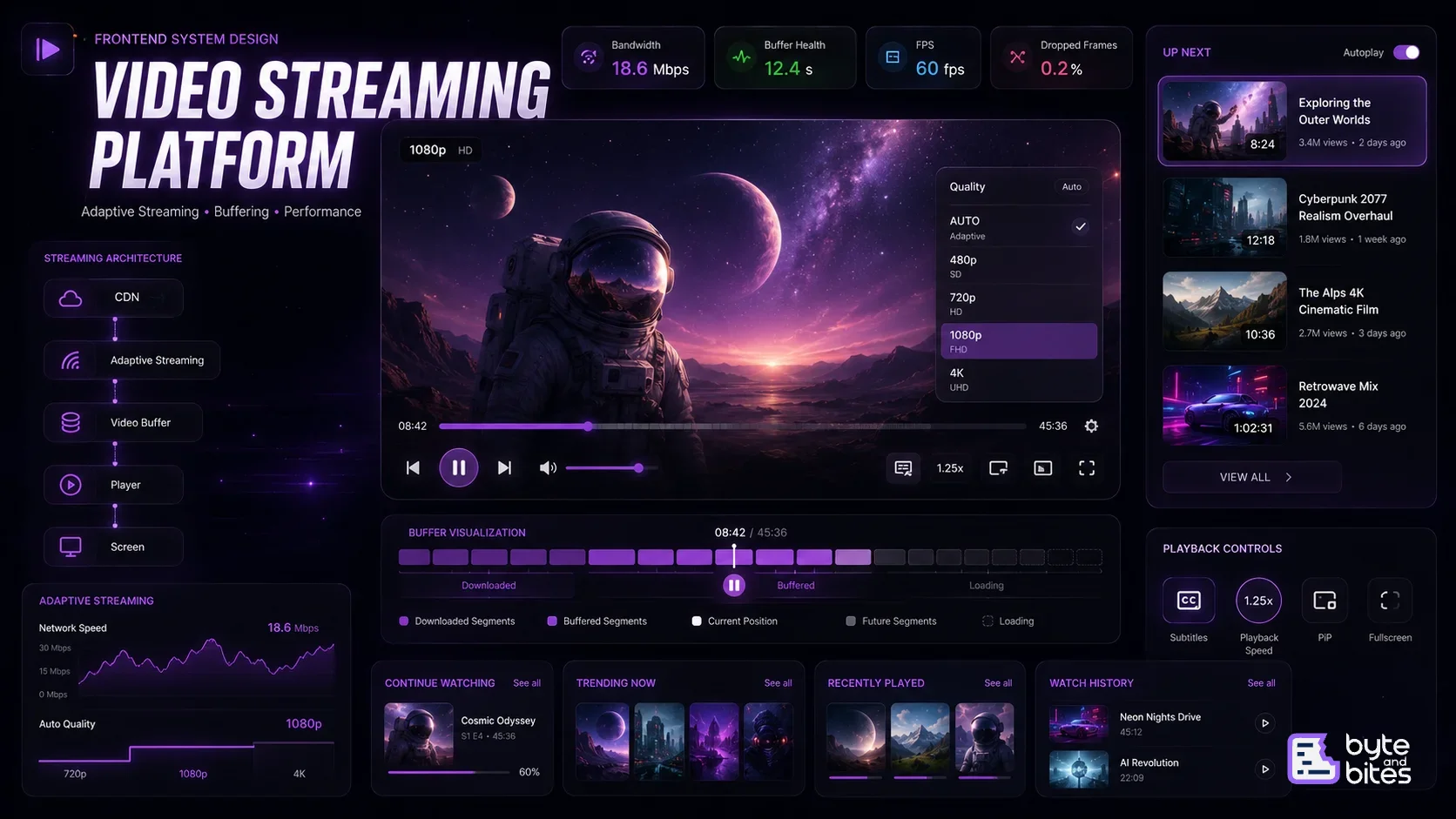
Designing a Video Streaming Platform in Frontend System Design

Modern video streaming platforms like YouTube, Netflix, and Prime Video deliver a seamless viewing experience despite varying network conditions and large media files. A frontend video player must efficiently handle adaptive streaming, buffering, caching, playback controls, subtitles, quality switching, and playlist management while maintaining smooth performance across devices. This problem tests your understanding of media APIs, browser rendering, networking, performance optimization, and frontend architecture.

ByteAndBites·Jul 11, 2026
Designing a Video Streaming Platform in Frontend System Design
Design a frontend video streaming application similar to YouTube or Netflix.

Core Requirements:

  • Video playback
  • Adaptive quality selection
  • Auto buffering
  • Playback controls
  • Captions / subtitles
  • Continue watching
  • Playlist support
  • Recommendations
  • Fullscreen
  • Picture-in-Picture
  • Keyboard shortcuts

Follow-up Questions

  • How does adaptive bitrate streaming work?
  • How do you preload videos?
  • How do you reduce startup delay?
  • How do you cache videos?
  • How do you handle slow networks?
  • How do you optimize video lists?
  • How do you remember playback progress?
  • How do you avoid buffering?

How to Think About It (Framework)

  • Video Player
  • Playback State
  • Streaming Strategy
  • Caching
  • Performance
  • User Experience
  • Offline Support

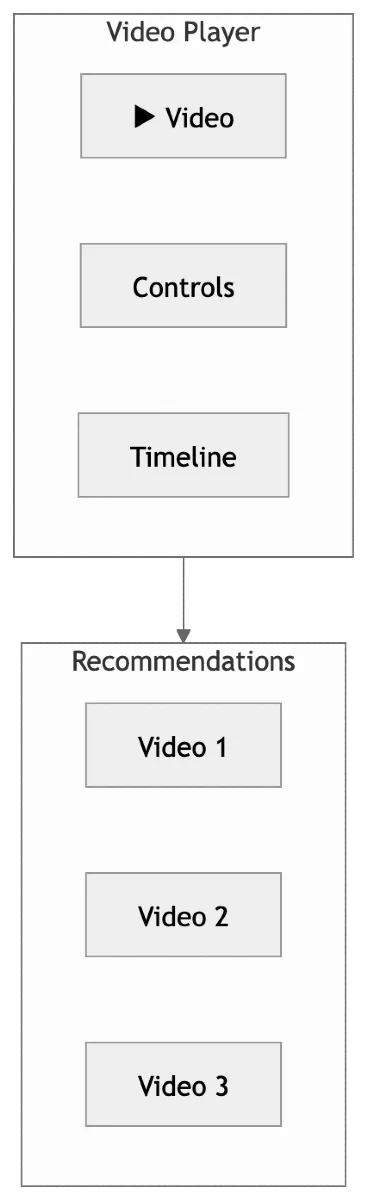
UI Components

Main components:
  • Video Player
  • Controls
  • Timeline
  • Volume
  • Playback Speed
  • Captions
  • Recommendation Sidebar
  • Playlist
  • Comments
  • Related Videos

Blog image


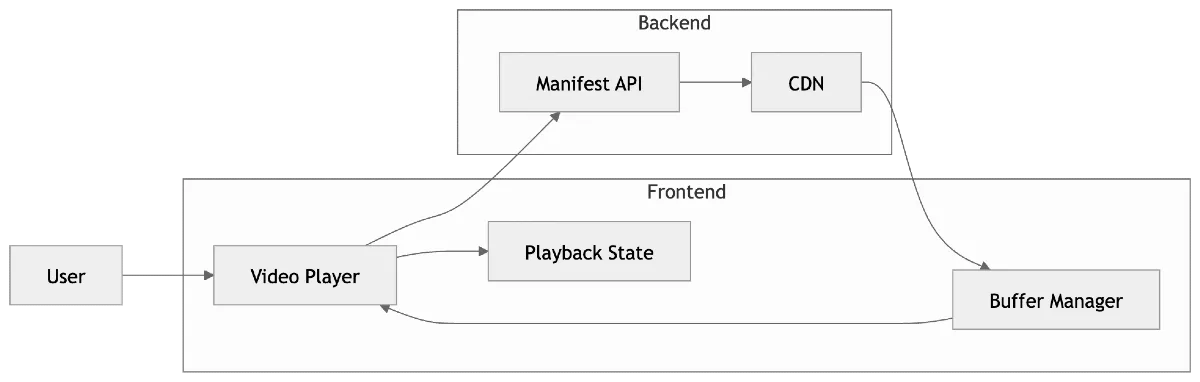
High Level Architecture

Data Model

TypeScript
interface Video {
    id: string;
    title: string;
    duration: number;
    thumbnail: string;
    streamingUrls: {
        "360p": string;
        "720p": string;
        "1080p": string;
    };
}


Streaming Strategy

Instead of downloading an entire movie,
Download
Small video segments

Example:
Segment 1
Segment 2
Segment 3
...
Player downloads segments as needed.

Open
Manifest
ChooseQuality
Buffer
Play
DownloadNextSegments


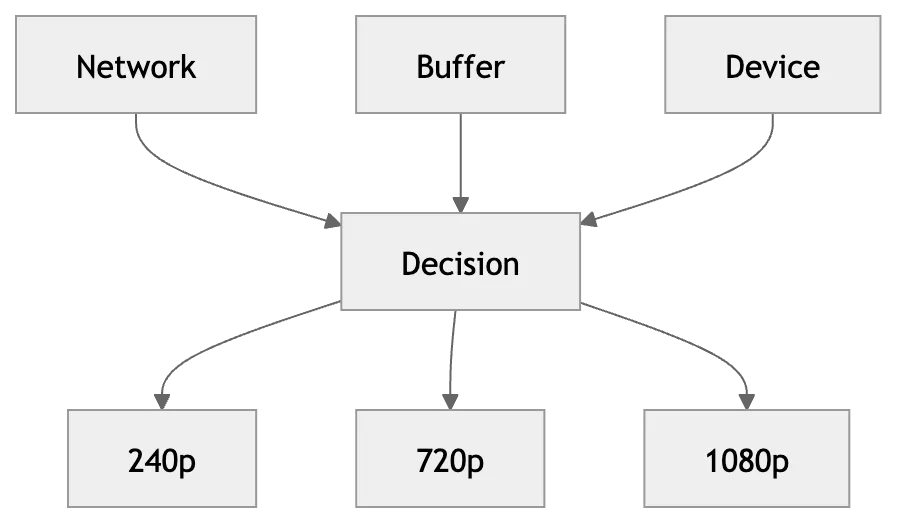
Adaptive Bitrate Streaming (ABR)

Available qualities
240p
360p
720p
1080p
4K
Player continuously monitors:
  • Network speed
  • Buffer health
  • Device capability
Automatically switches quality without interrupting playback.
Blog image

Playback State

Maintain:
  • currentTime
  • duration
  • buffered
  • playing
  • paused
  • quality
  • subtitle
  • volume
  • playbackRate

Buffer Management

When playback starts:

Download
5–10 seconds
Start playback
Continue downloading

Maintain enough buffered data to prevent interruptions.

Continue Watching

Save periodically:
videoId
currentTime
lastWatched
Store:
  • Backend
  • localStorage (temporary)


Caching Strategy

Cache:
  • Video manifest
  • Thumbnails
  • Recently watched videos
  • Metadata
Do NOT cache entire large videos in memory.

Lazy Loading


Home page
Load thumbnails first
Videos only when opened

Recommendations
Lazy load on scroll

Prefetching

When user watches
Video A
Prefetch
Video B
Likely next recommendation.
Improves startup time.

Performance Optimization

1. Virtualize recommendation list

Don't render hundreds of cards.

2. Lazy load images

3. Skeleton loaders

Display placeholders until metadata loads.

4. requestIdleCallback

Load recommendations when browser is idle.

5. Intersection Observer

Auto-play preview only when visible.

Playback Flow


Open video
Load manifest
Select quality
Download first segments
Buffer
Start playback
Continue downloading

Error Handling


Network lost
Retry segment
Lower quality
Resume playback

State Management

Store
currentVideo
playerState
buffer
quality
playlist
captions
recommendations

Edge Cases

  • Network fluctuations
  • Browser refresh
  • Background tab
  • Mobile rotation
  • Fullscreen
  • Picture-in-Picture
  • Captions unavailable
  • Quality switch during playback

What Interviewer is Testing

  • Browser media APIs
  • Performance optimization
  • Adaptive streaming understanding
  • UI state management
  • Rendering optimization

Topics

System DesignZeptoUIInterviewReactDream11GoogleRoku
Frontend System Design Playbook
Series
Frontend System Design Playbook
View series
A hands-on series focused on cracking frontend system design interviews at companies like Google, Atlassian, and Uber. Instead of theory-heavy discussions, this series breaks down real UI systems—like infinite scroll, autocomplete, caching, and complex state management—into clear, practical approaches with implementation-focused thinking.