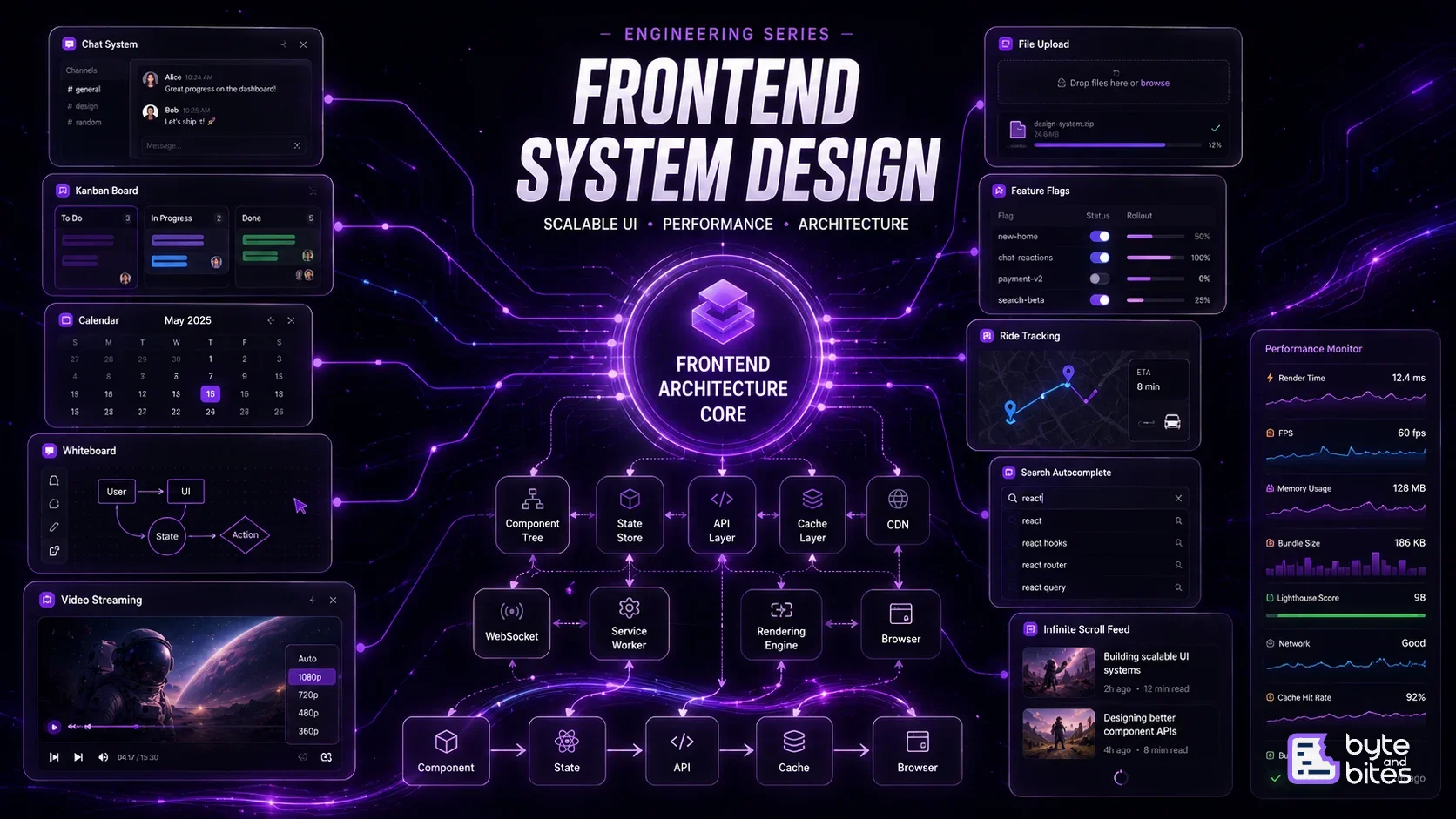
A hands-on series focused on cracking frontend system design interviews at companies like Google, Atlassian, and Uber. Instead of theory-heavy discussions, this series breaks down real UI systems—like infinite scroll, autocomplete, caching, and complex state management—into clear, practical approaches with implementation-focused thinking.

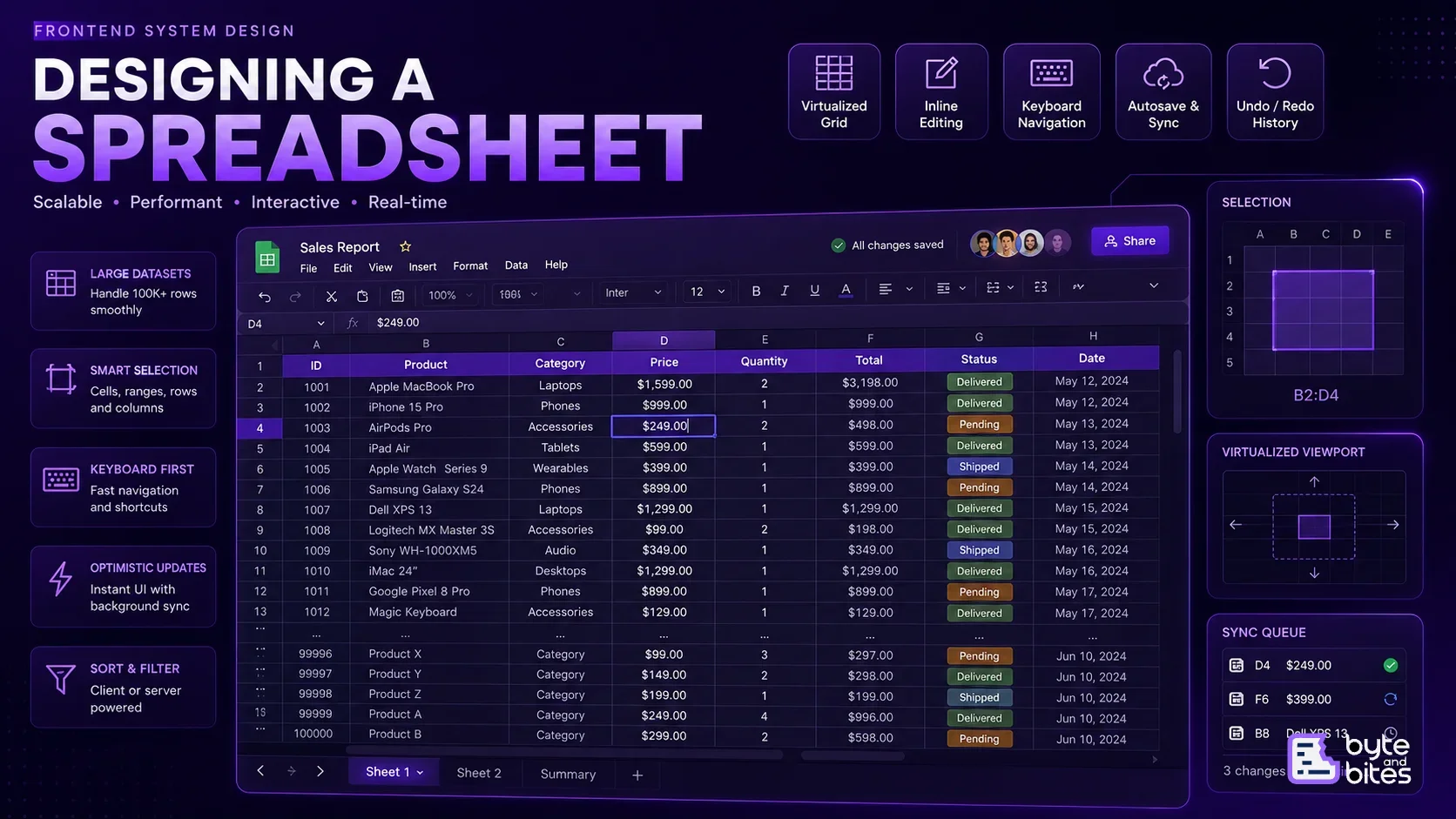
A spreadsheet looks simple on the surface: rows, columns, and editable cells. The challenge starts when the spreadsheet contains tens of thousands of rows and users expect scrolling, editing, selection, and keyboard interactions to remain instant. In this article, we'll design a spreadsheet similar to Google Sheets or Airtable, focusing on virtualization, cell state, keyboard interactions, editing, autosave, and efficient rendering.

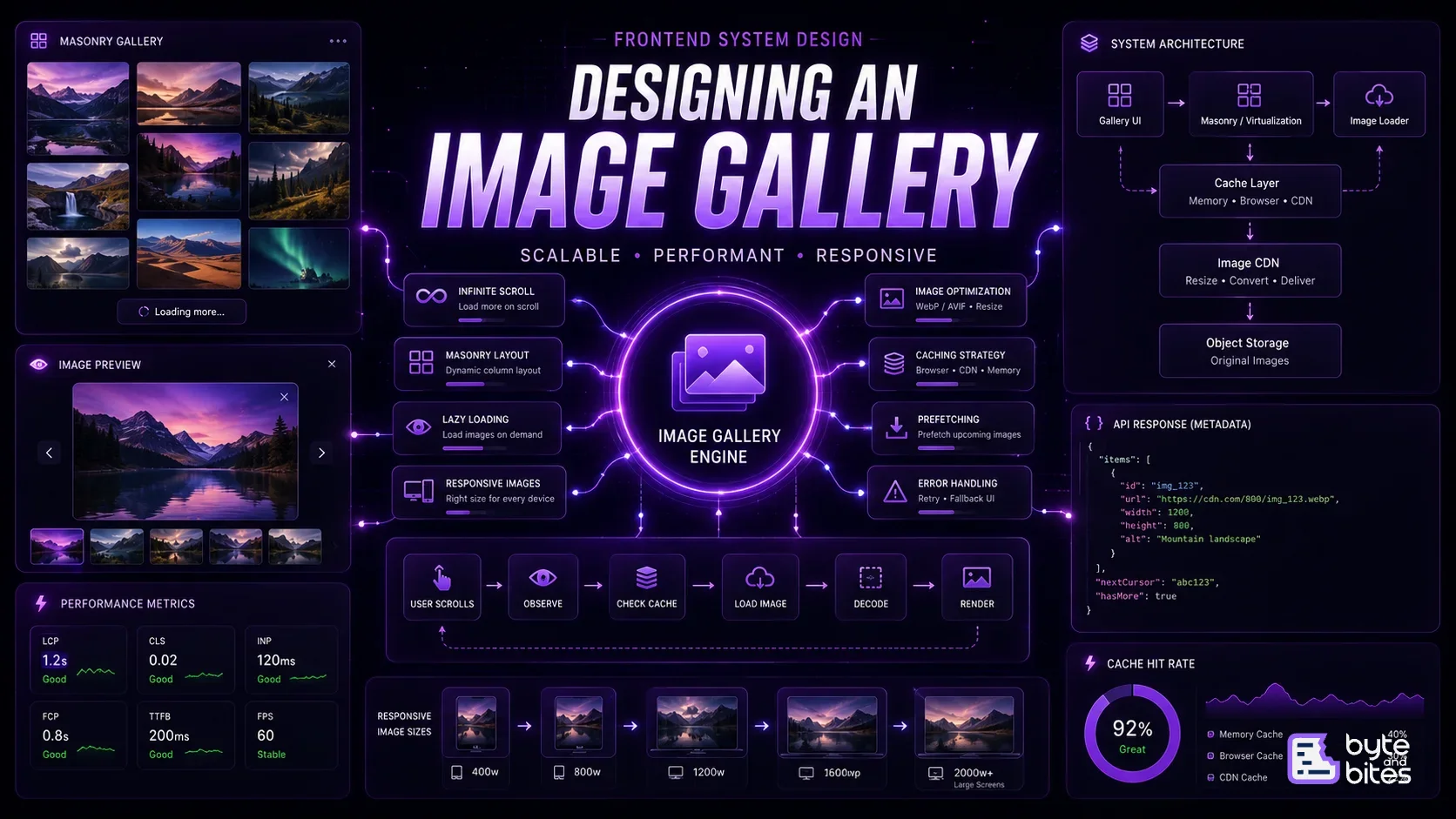
Design a scalable image gallery similar to Pinterest or Unsplash that can display thousands of images while maintaining smooth scrolling and fast loading. The system should handle responsive layouts, lazy loading, image optimization, infinite scrolling, caching, and efficient rendering. The main challenge is to ensure that the browser doesn't download or render thousands of images unnecessarily.

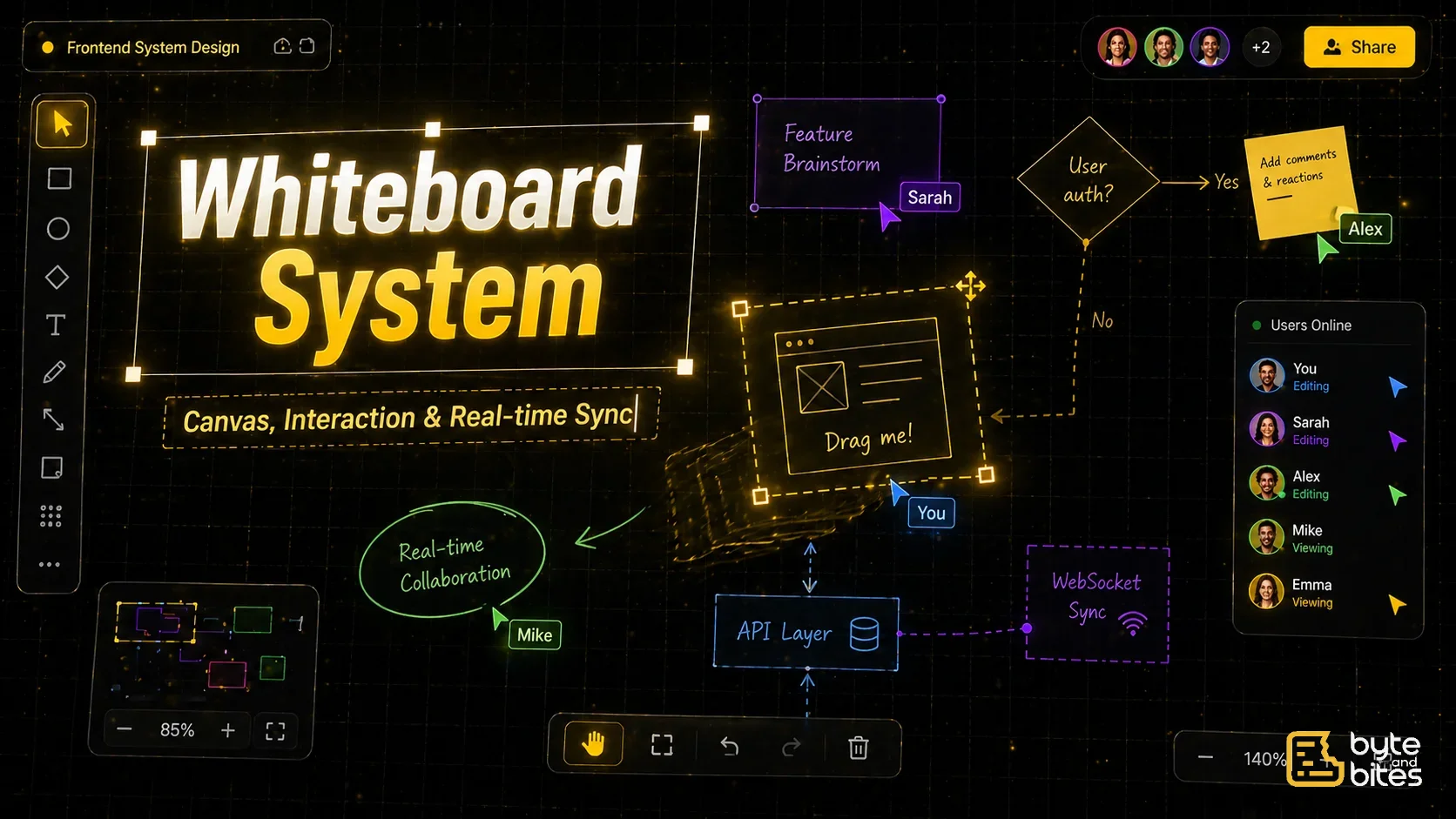
A whiteboard or Figma-like system allows users to create, edit, and collaborate on visual elements over an infinite canvas. It combines complex UI interactions like drag, resize, zoom, and selection with real-time synchronization. This problem tests your ability to design scalable UI systems, manage spatial data, and handle collaborative state efficiently.

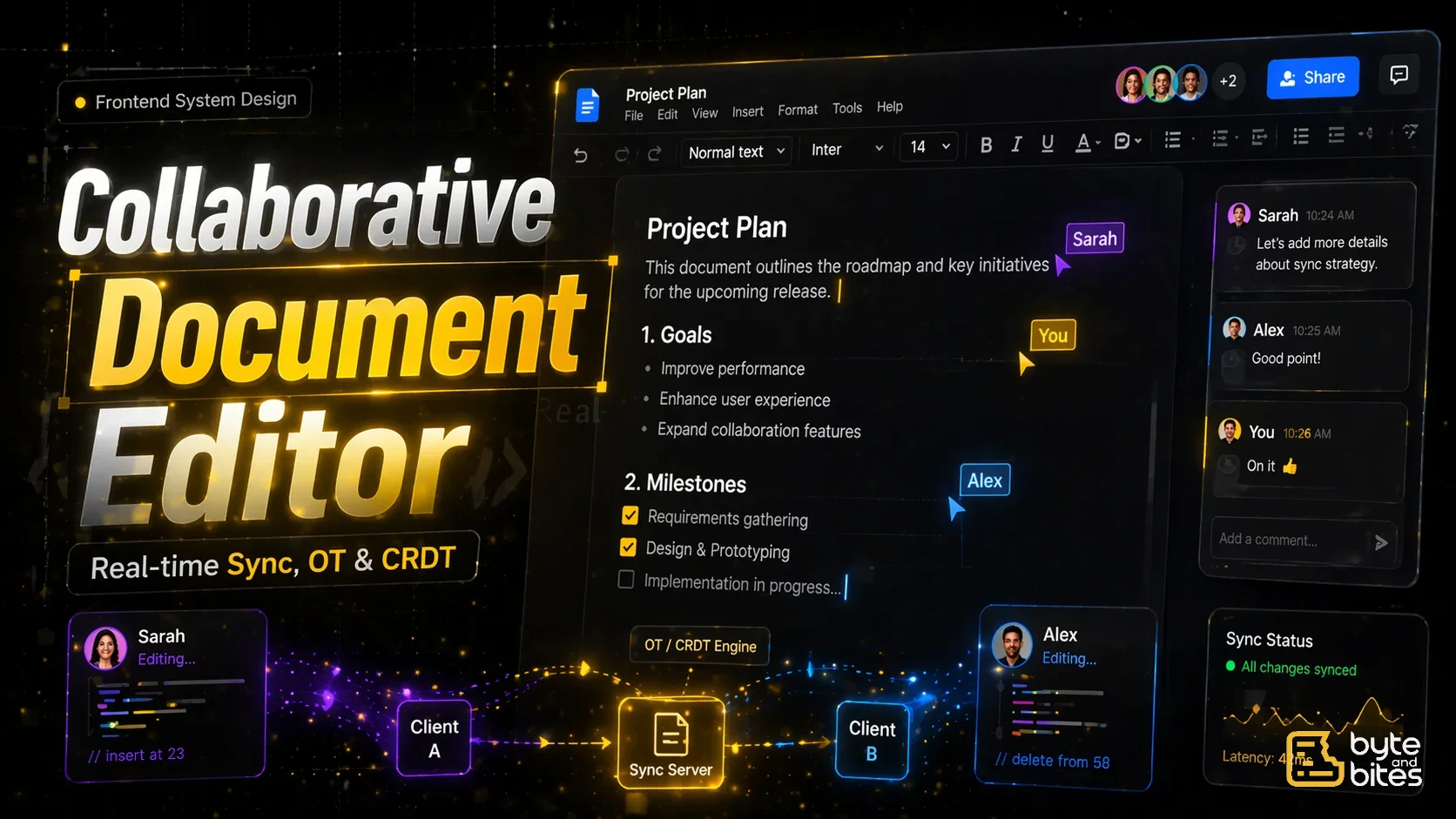
A collaborative document editor allows multiple users to edit the same document in real time. Systems like Google Docs handle concurrent edits, maintain consistency, and provide a seamless editing experience. This problem tests your understanding of real-time synchronization, conflict resolution, and scalable frontend architecture.

Performance is one of the most important aspects of frontend engineering. Users expect applications to load instantly, respond immediately, and feel smooth regardless of their device or network conditions. Building a performant application is not about a single optimization. It requires thoughtful architecture across networking, rendering, caching, asset delivery, JavaScript execution, and user interactions. In this article, we'll design a high-performance frontend architecture and explore where optimizations should be applied throughout the lifecycle of a web application.

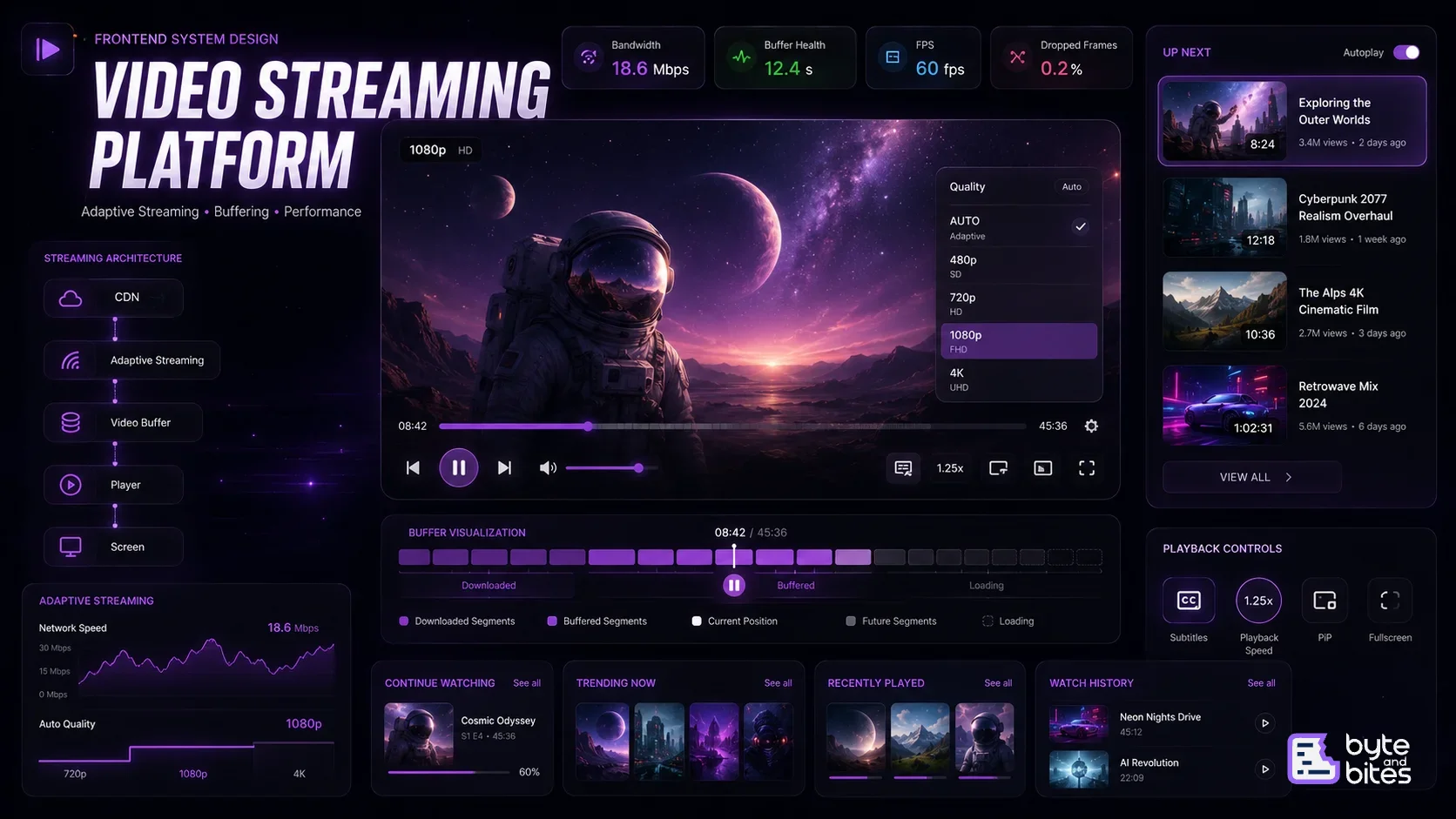
Modern video streaming platforms like YouTube, Netflix, and Prime Video deliver a seamless viewing experience despite varying network conditions and large media files. A frontend video player must efficiently handle adaptive streaming, buffering, caching, playback controls, subtitles, quality switching, and playlist management while maintaining smooth performance across devices. This problem tests your understanding of media APIs, browser rendering, networking, performance optimization, and frontend architecture.

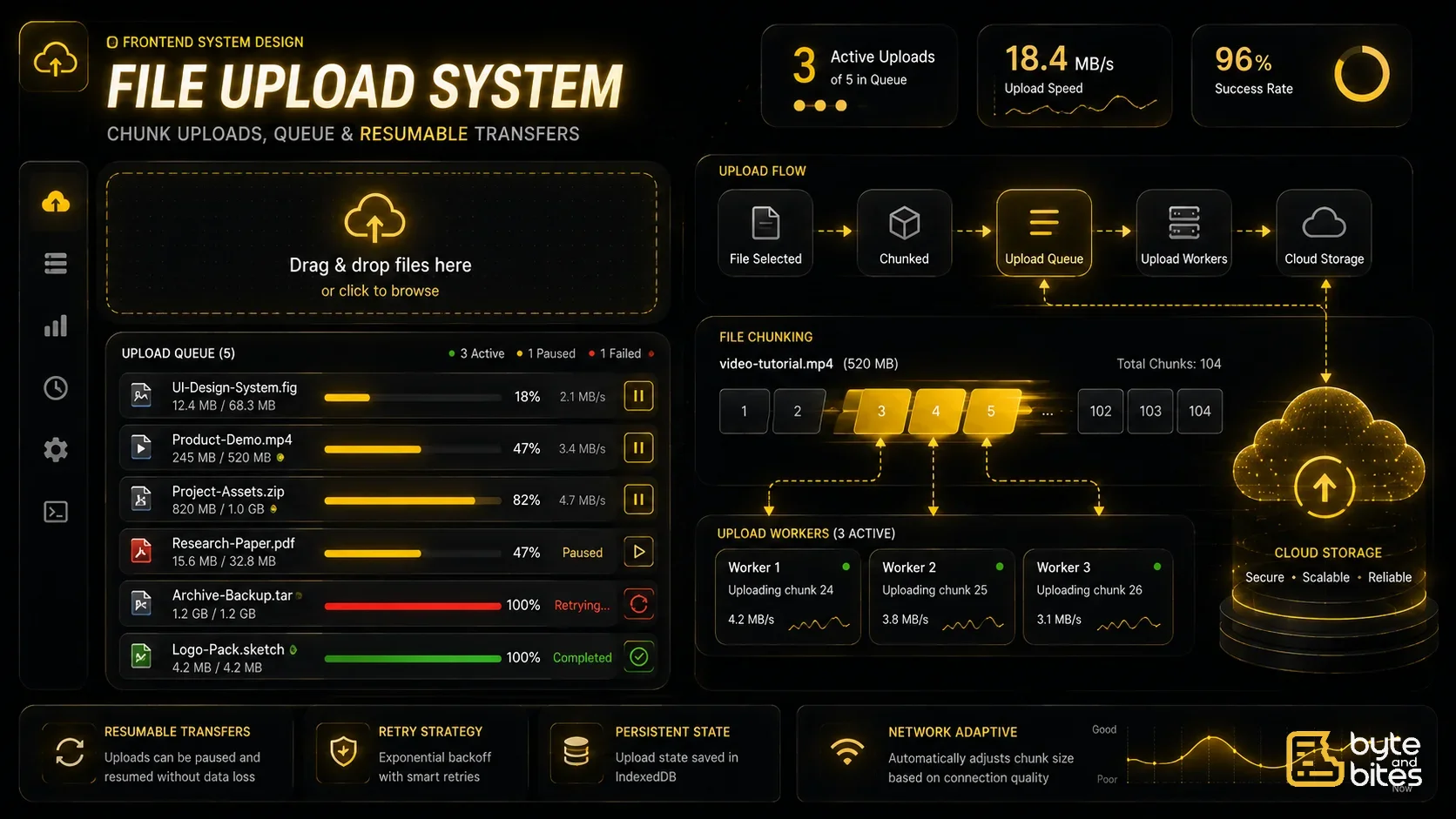
File uploads appear simple on the surface, but building a production-ready upload system involves much more than selecting a file and sending it to a server. A robust uploader must handle large files, network failures, retries, progress tracking, pause/resume, concurrent uploads, and efficient resource management while providing a smooth user experience. This problem tests your understanding of asynchronous workflows, browser APIs, networking, state management, and scalable frontend architecture.

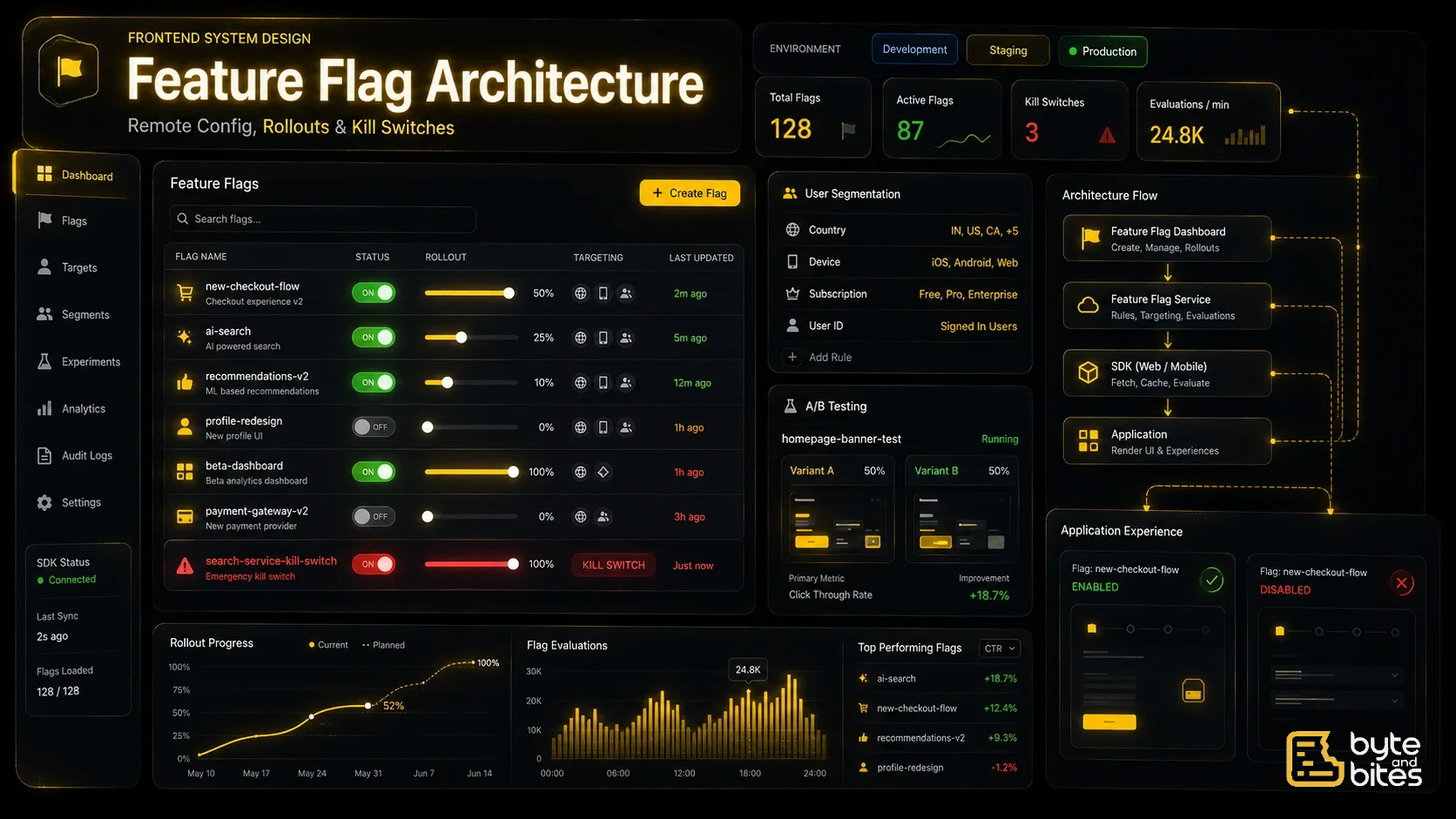
Feature flags (also called feature toggles) allow developers to enable or disable features without deploying new code. Modern applications use feature flags for gradual rollouts, A/B testing, canary releases, emergency kill switches, and user segmentation. A well-designed frontend feature flag system enables rapid experimentation while keeping applications performant, scalable, and resilient.

Chat systems are one of the most common real-time frontend challenges, used in messaging apps, support systems, and collaborative tools. The goal is to build a responsive UI that can send, receive, and display messages in real time while handling network delays, ordering, and state consistency. This problem tests your understanding of real-time data flow, optimistic updates, and UI synchronization.

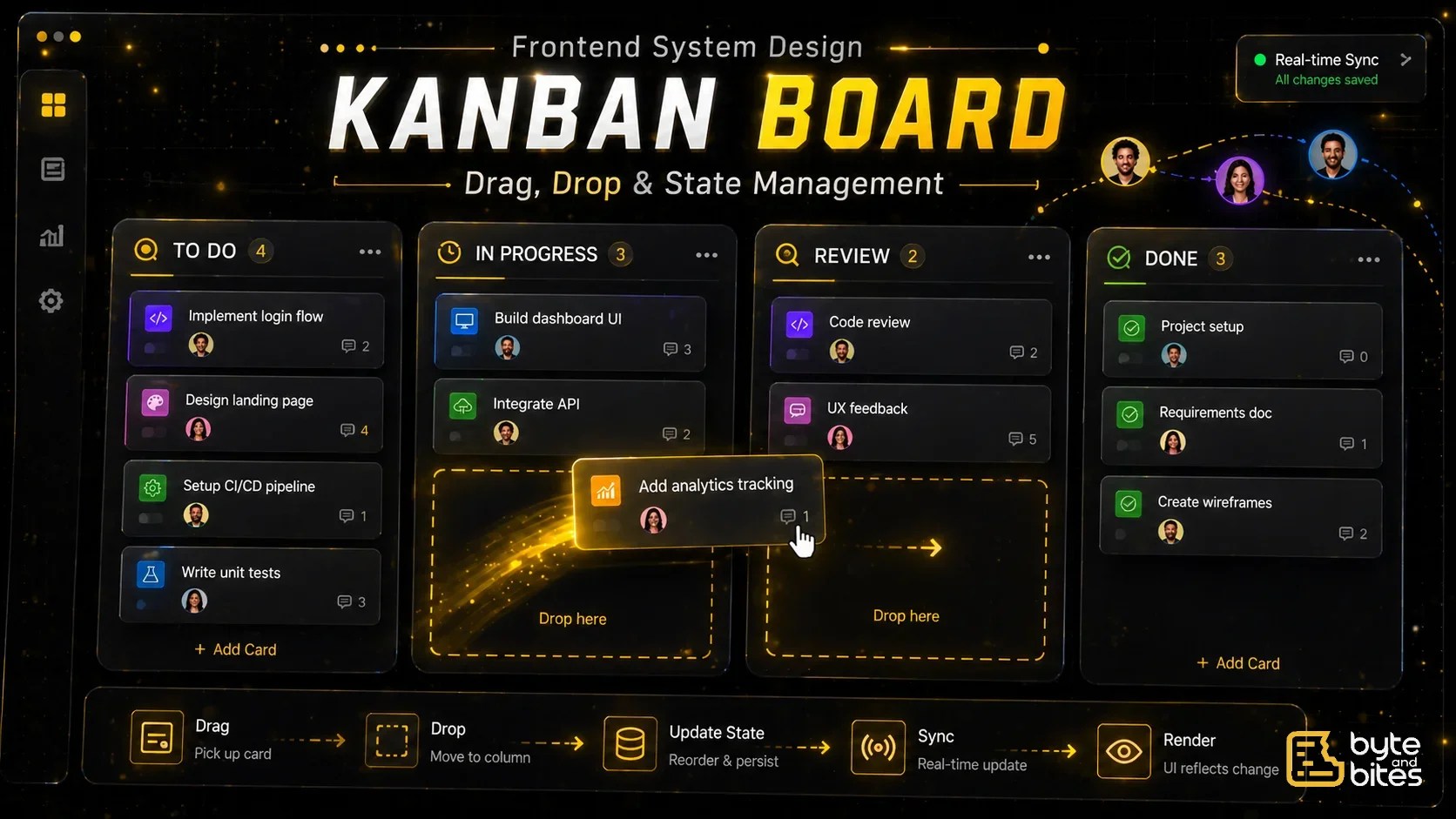
A Kanban board is a task management system where items are organized into columns and can be moved across stages using drag and drop. Tools like Jira use this model extensively. This problem tests your ability to handle complex UI interactions, state management, and efficient updates while maintaining a smooth user experience.

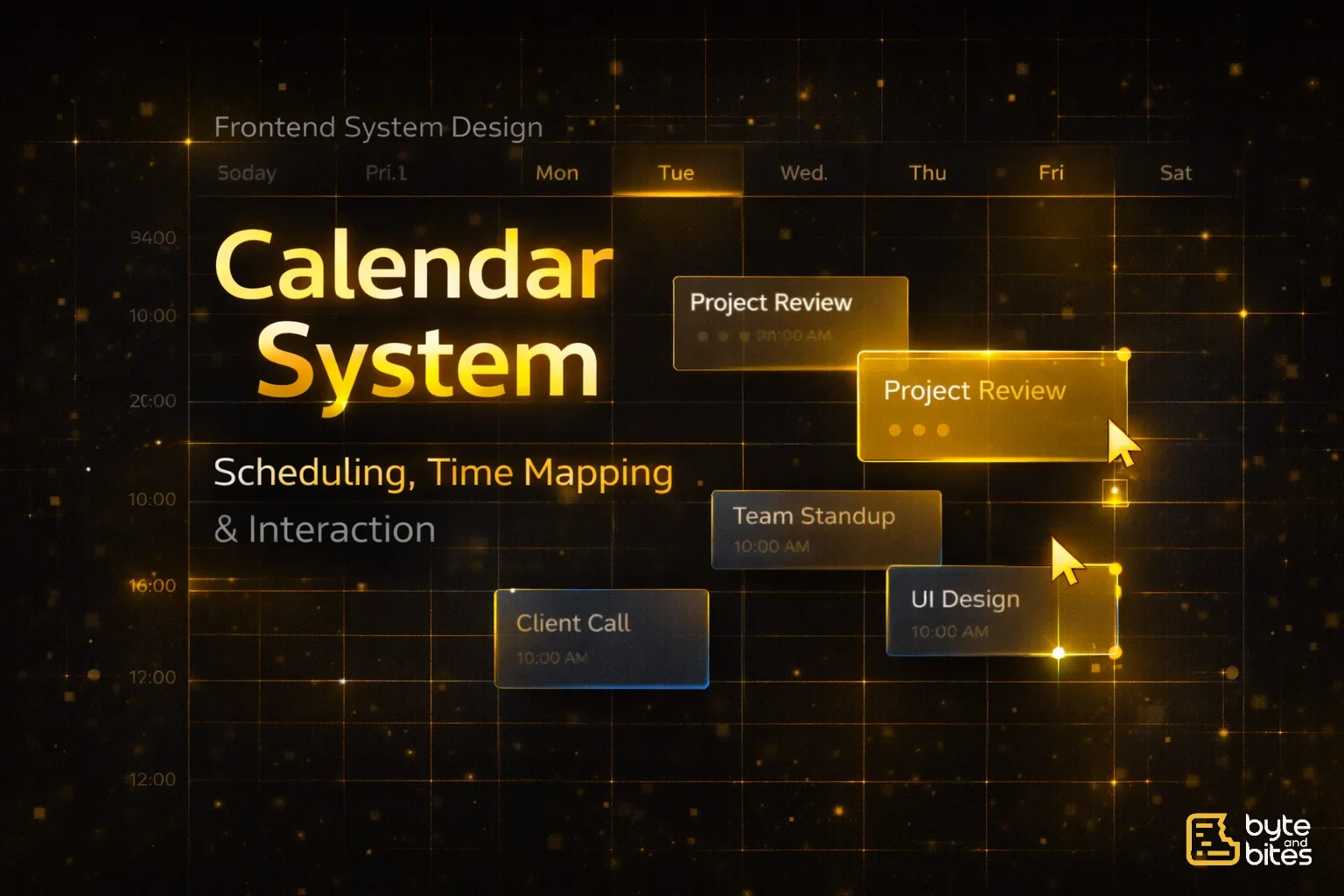
Calendar systems are complex UI applications used for scheduling, planning, and collaboration. Building something like Google Calendar involves handling time-based data, interactive UI (drag, resize), and synchronization with backend events. This problem tests your ability to manage complex state, design scalable UI components, and handle user interactions efficiently.

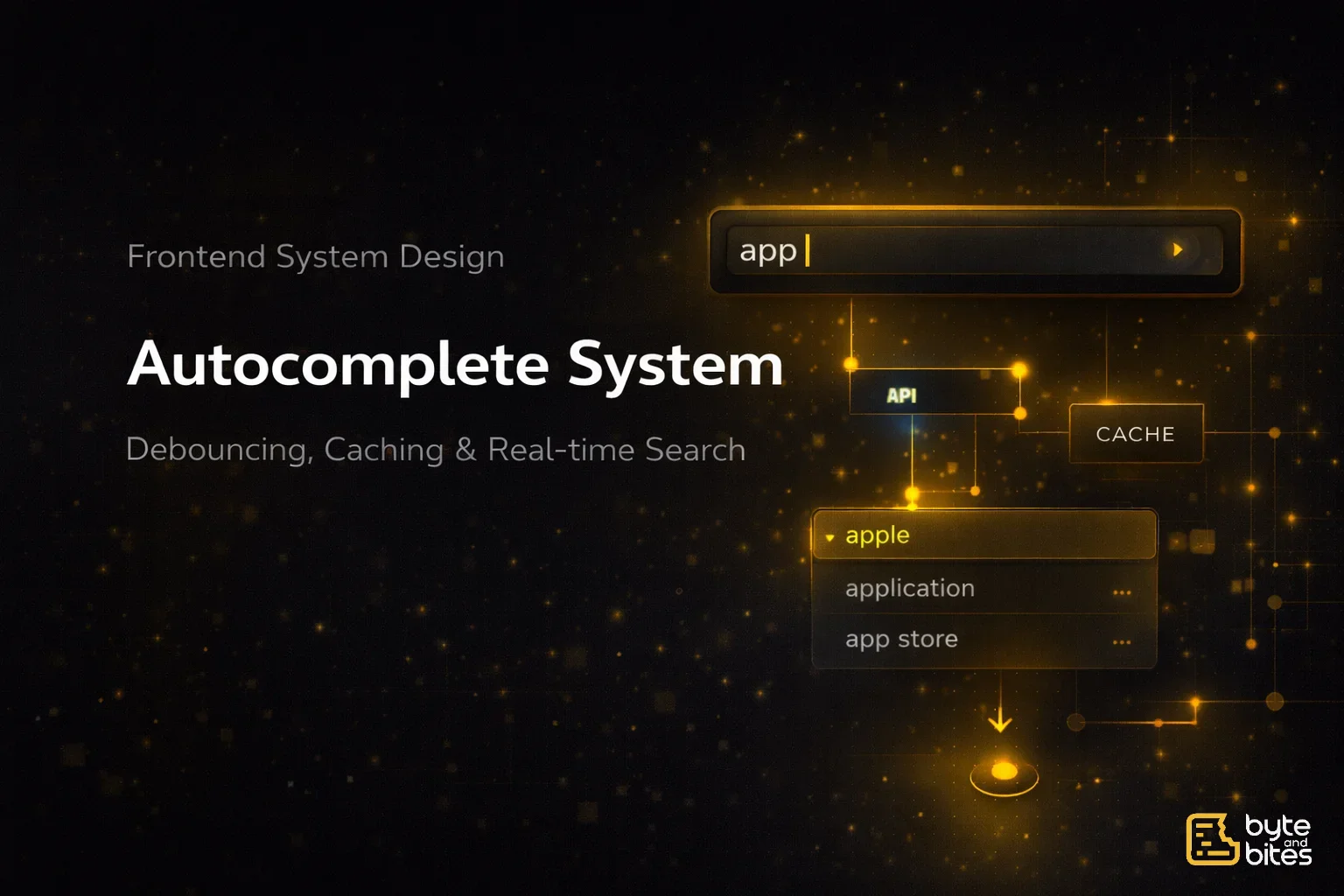
Autocomplete is a widely used UI pattern seen in search bars, mentions, and suggestions across products. The goal is to fetch and display relevant suggestions as the user types, while ensuring performance, responsiveness, and correctness. This problem tests how you handle user input, API interaction, caching, and race conditions in real-time systems.

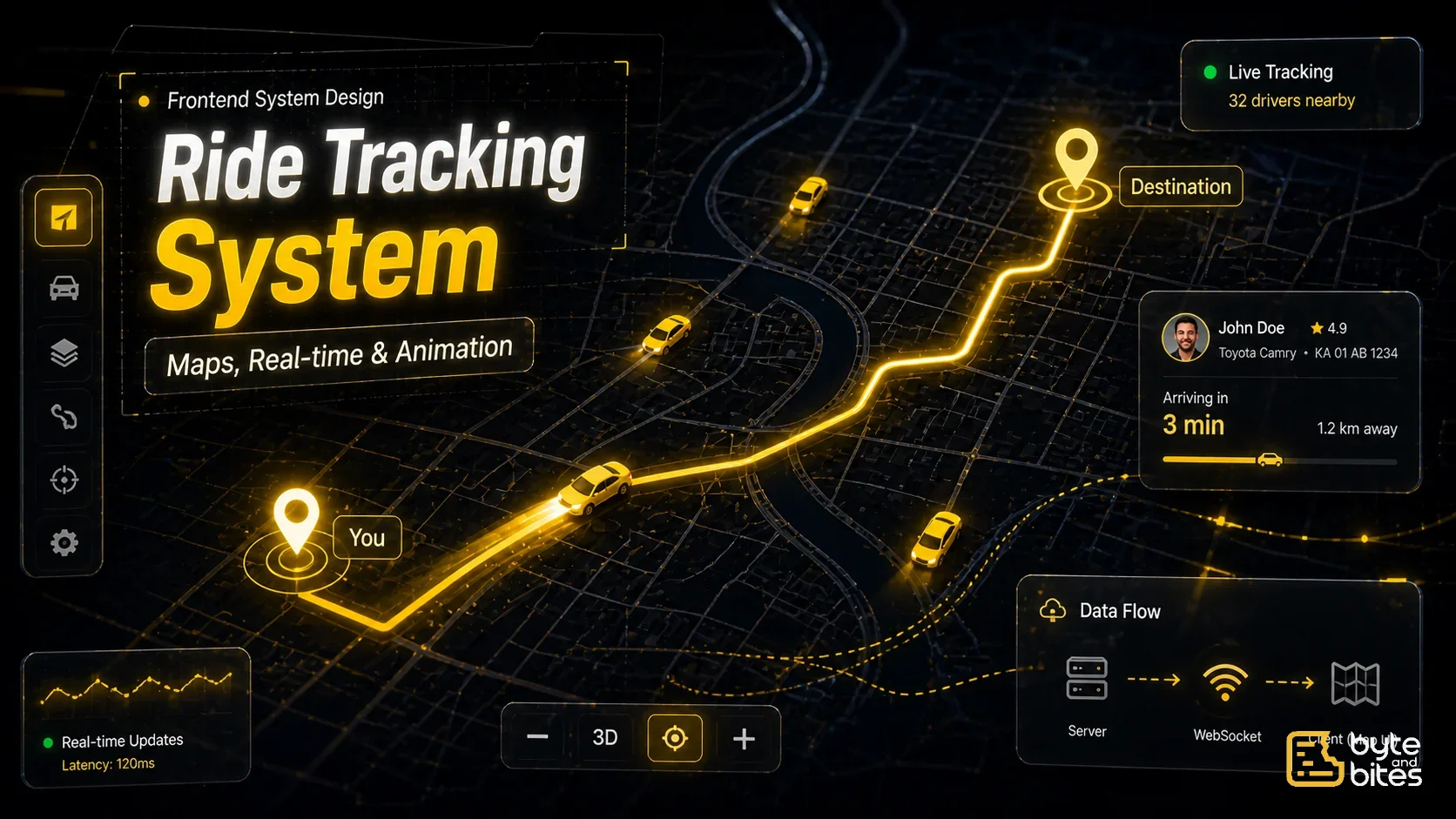
Ride tracking systems display real-time locations of drivers and routes on a map. Applications like Uber rely heavily on frontend systems to efficiently render moving vehicles, update positions smoothly, and provide an interactive map experience. This problem tests your ability to handle real-time data, optimize rendering, and manage geospatial UI efficiently.

Infinite scroll is one of the most common frontend system design problems asked in interviews and used in real products like feeds, search results, and marketplaces. The goal is to load data progressively as the user scrolls, while maintaining performance, responsiveness, and a smooth user experience. This problem tests how you think about data fetching, rendering, caching, and handling edge cases at scale.