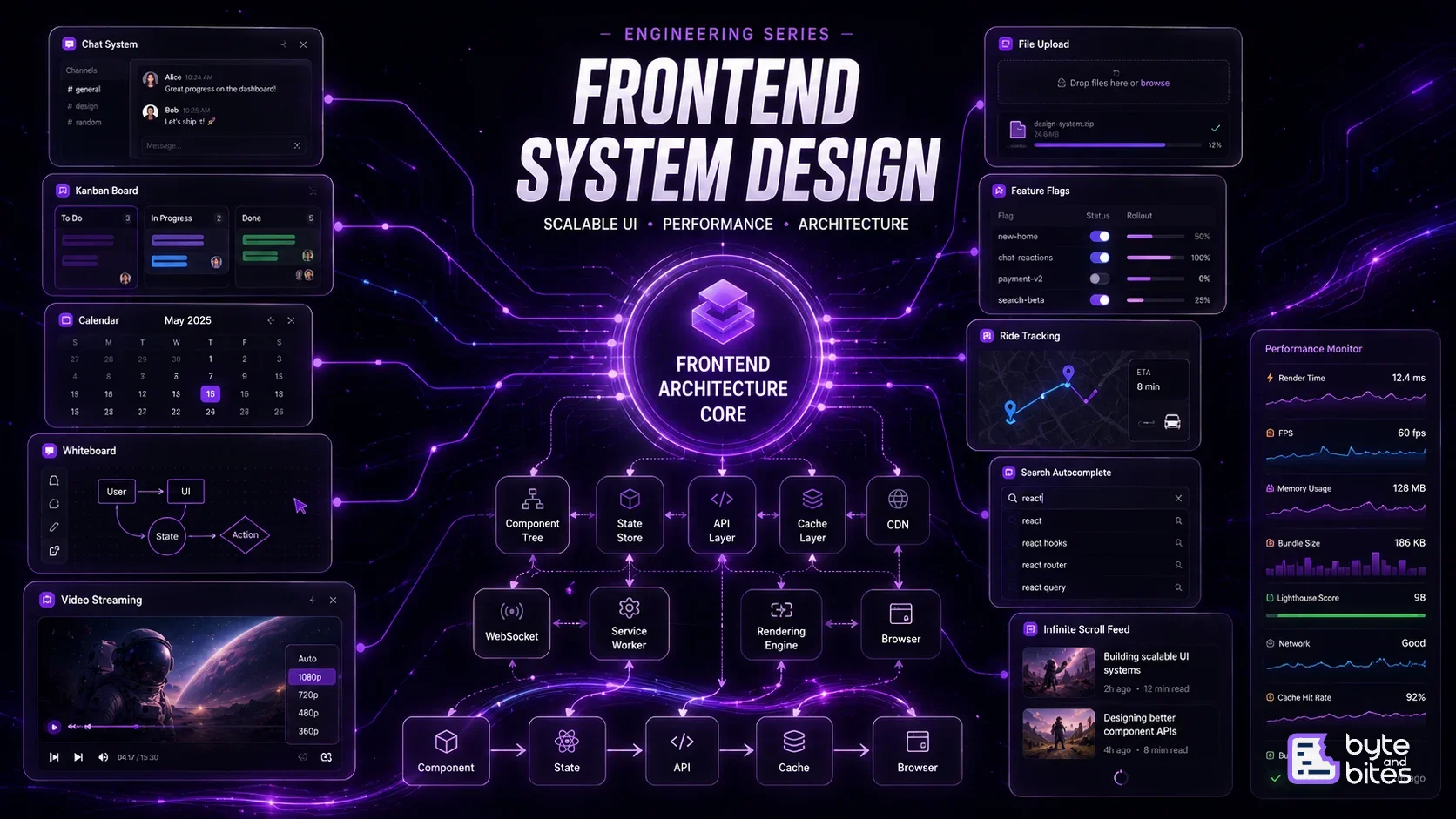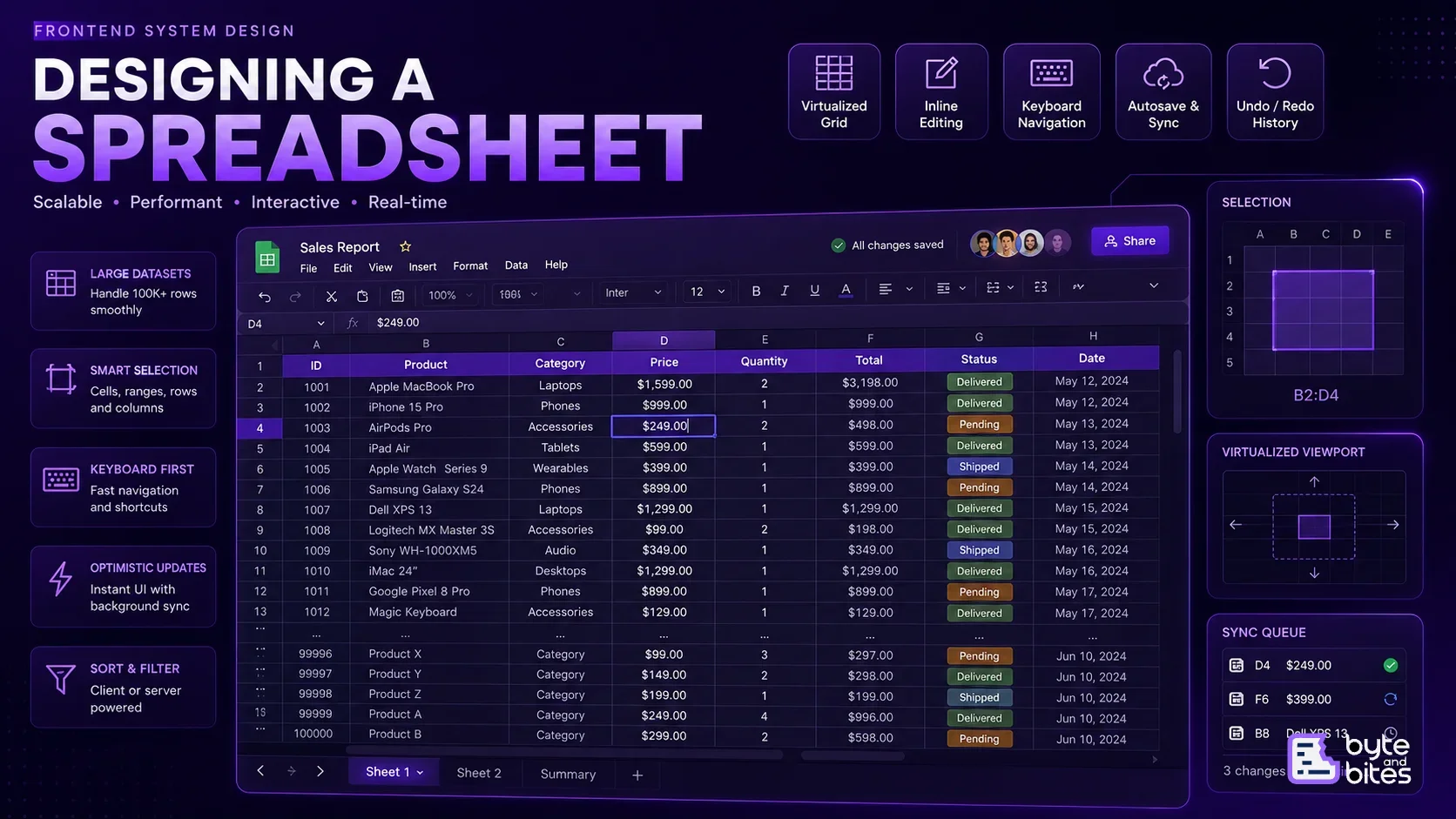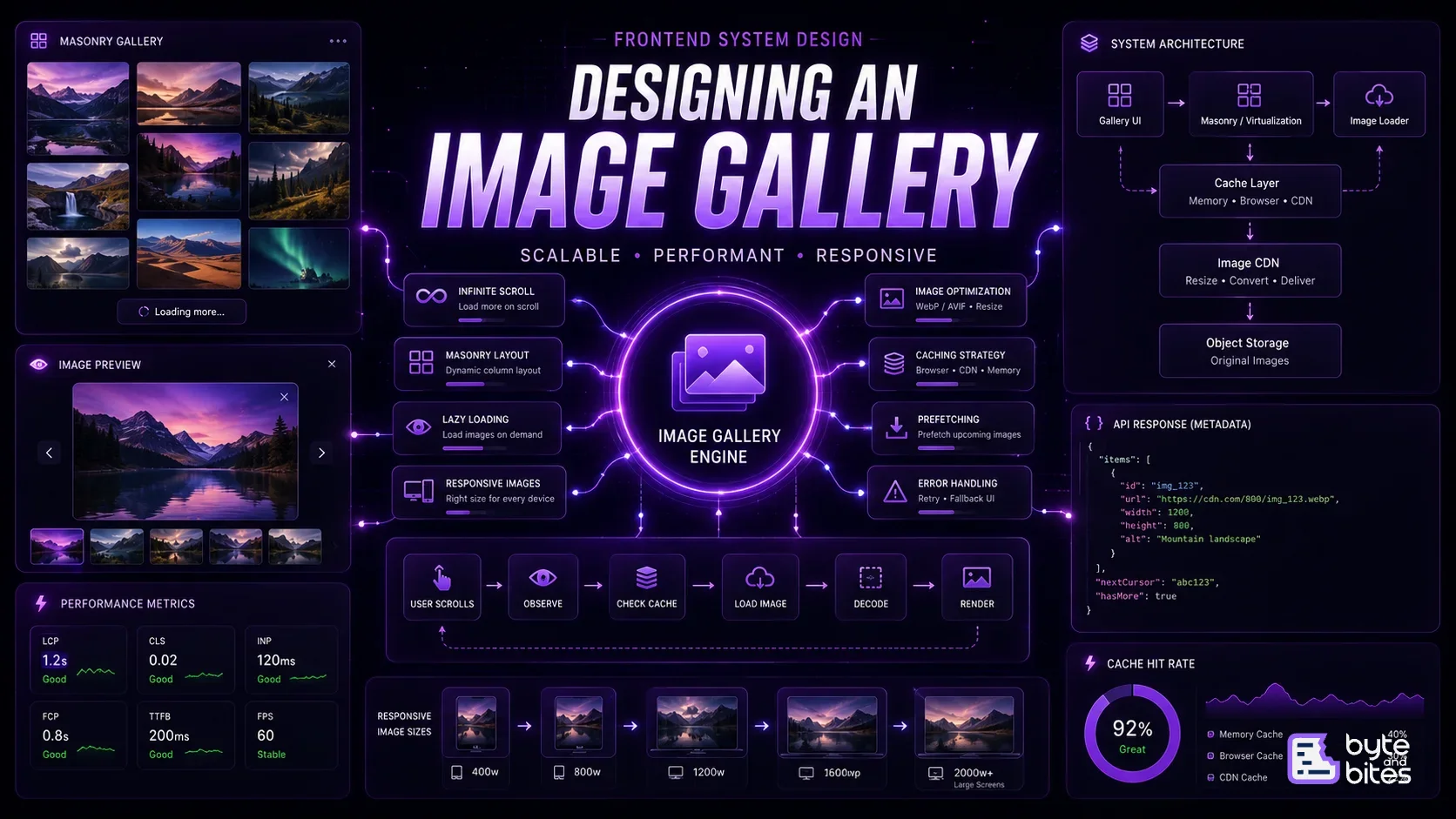

Design a highly performant web application.
Requirements:
- Fast initial page load
- Smooth navigation between pages
- Optimized API communication
- Efficient caching strategy
- Image optimization
- Code splitting
- Lazy loading
- Offline support
- Excellent Core Web Vitals
- Scalable architecture
What Interviewers Expect
During a frontend system design interview, interviewers rarely expect you to know every browser optimization. Instead, they evaluate whether you understand the different layers where performance matters.
Some common follow-up questions include:
- How would you reduce initial page load time?
- How would you optimize API requests?
- How would you cache data?
- How do you optimize images?
- How would you improve Lighthouse scores?
- How do you avoid unnecessary re-renders?
- How do you handle large lists?
- What metrics would you monitor?
Thinking Framework
Instead of thinking about performance as one problem, break it into layers.
User Request
↓
Network
↓
Assets
↓
Application
↓
Rendering
↓
Interaction
↓
Monitoring
Every layer has opportunities for optimization.
High-Level Performance Pipeline
A user visits our application.
The browser performs several operations before anything becomes interactive.
- DNS Lookup
- TCP / TLS Connection
- Download HTML
- Download CSS
- Download JavaScript
- Download Images
- Parse HTML
- Build DOM
- Build CSSOM
- Render Tree
- Layout
- Paint
- Hydration (if applicable)
- User Interaction
Optimizing each stage contributes to a faster application.
1. Network Optimization
Everything starts with the network.
Even before React renders anything, the browser needs to fetch resources.
Things to optimize:
- HTTP/2 or HTTP/3
- CDN
- Brotli Compression
- Gzip
- DNS Prefetch
- Preconnect
- Keep Alive
Goal:
Reduce latency before the browser starts rendering.
2. API Optimization
Many applications become slow because they make unnecessary API calls.
Instead of:
Home
↓
Products
↓
User
↓
Cart
↓
Recommendations
Sequential API requests
Prefer:
Fetch independent resources in parallel.
Other optimizations:
- Request deduplication
- Pagination
- Cursor pagination
- GraphQL batching
- Debouncing
- Throttling
- Optimistic updates
For larger applications, libraries like React Query or SWR simplify caching and background synchronization.
3. Caching Strategy
Caching is one of the biggest performance wins.
Not every request needs to reach the backend.
Think of caching in multiple layers.
Memory Cache
↓
Browser Cache
↓
Service Worker
↓
CDN
↓
Backend
Different resources should have different cache policies.
Examples:
JavaScript Bundle
- Long cache
User Profile
- Short cache
Product Images
- Very long cache
Dynamic Dashboard
- Minimal cache
A good caching strategy reduces both server load and page load times.
4. Image Optimization
Images often contribute the largest portion of downloaded bytes.
Optimizations include:
Modern formats
- AVIF
- WebP
Responsive images
- srcset
- sizes
Lazy loading
<img loading="lazy" />
Priority loading
<img fetchpriority="high" />
Other techniques:
- Blur placeholders
- Progressive loading
- CDN image resizing
- Compression
Large hero images should load first, while below-the-fold images can be deferred.
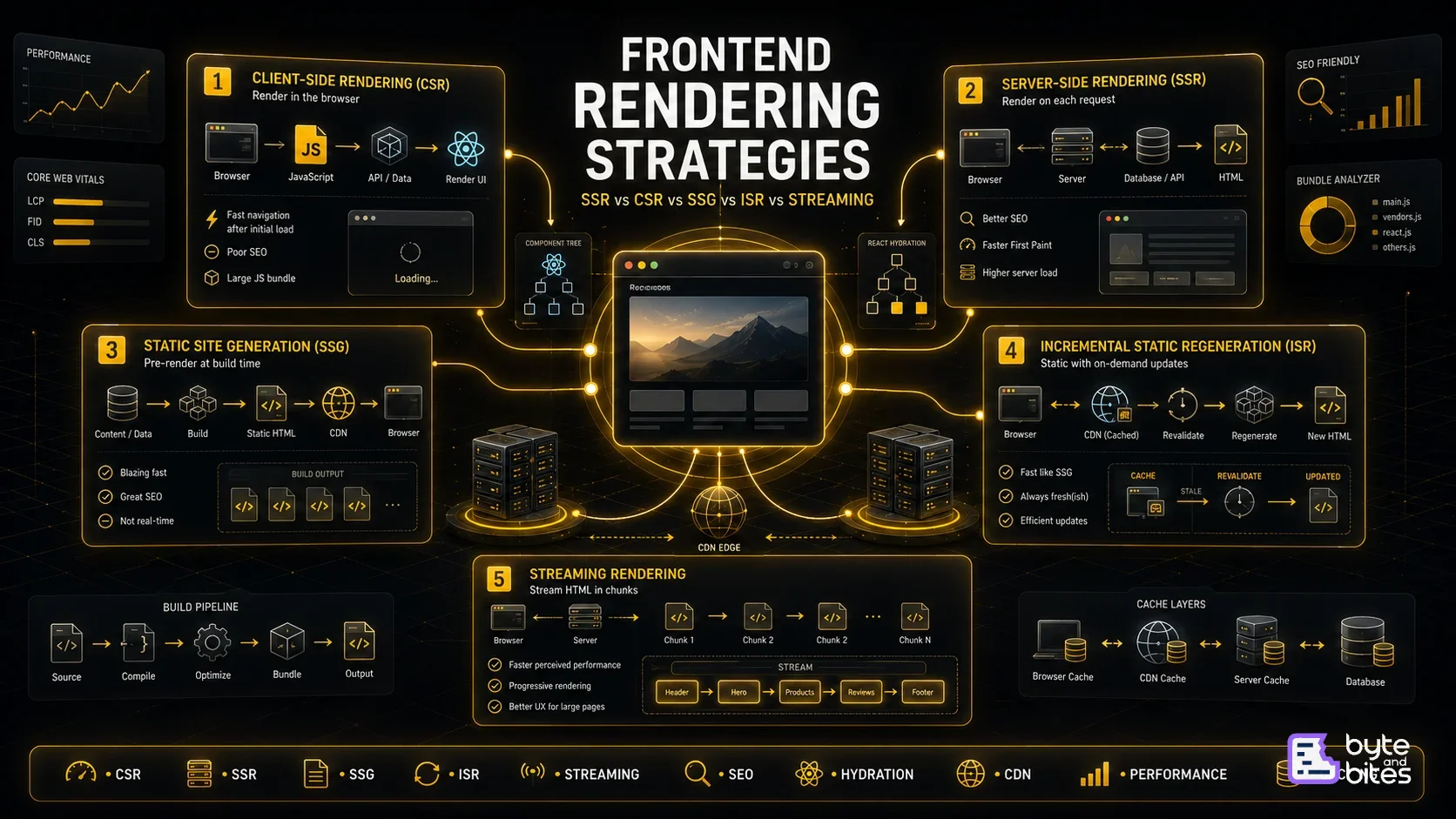
5. Rendering Strategy
Choosing the right rendering strategy significantly impacts perceived performance.
Common approaches:
Client Side Rendering (CSR)
- Simple
- Slower initial load
Server Side Rendering (SSR)
- Better SEO
- Faster First Paint
Static Site Generation (SSG)
- Extremely fast
- Great for static content
Incremental Static Regeneration (ISR)
- Static pages with periodic updates
Streaming SSR
- Render content progressively
React Server Components
- Reduce JavaScript sent to the browser
There is no single best solution. The choice depends on the application.
6. JavaScript Optimization
Shipping too much JavaScript slows down every user.
Important techniques:
Tree Shaking
- Removes unused code.
Code Splitting
- Only download code when needed.
Dynamic Imports
const Settings = lazy(() => import("./Settings"));
Route Splitting
- Load only the current page.
Bundle Analysis
- Identify large dependencies.
Smaller bundles lead to faster startup times.
7. Rendering Performance
Rendering is often more expensive than fetching data.
Avoid unnecessary renders by:
React.memo
useMemo
useCallback
For long lists:
Use virtualization.
Instead of rendering 10,000 rows, only render the visible rows.
Popular libraries include:
- react-window
- react-virtualized
8. Browser Rendering Pipeline
Understanding how the browser renders pages helps identify bottlenecks.
Rendering Pipeline
HTML
↓
DOM
↓
CSSOM
↓
Render Tree
↓
Layout
↓
Paint
↓
Composite
Expensive layout recalculations and frequent paints can reduce frame rates.
Avoid:
- Layout thrashing
- Forced synchronous layouts
- Large paint areas
9. Fonts
Fonts affect perceived performance.
Recommendations:
- Use variable fonts
- Subset font files
- Preload critical fonts
Use
font-display: swap
This prevents invisible text while fonts download.
10. Core Web Vitals
Google measures performance using Core Web Vitals.
Largest Contentful Paint (LCP)
- Measures loading performance.
- Target: < 2.5 seconds
Interaction to Next Paint (INP)
- Measures responsiveness.
- Target: < 200 ms
Cumulative Layout Shift (CLS)
- Measures layout stability.
- Target: < 0.1
These metrics directly impact user experience and search rankings.
11. Monitoring Performance
Performance isn't something you optimize once.
Monitor continuously.
Useful tools:
- Lighthouse
- Chrome DevTools
- Performance Panel
- WebPageTest
- Core Web Vitals
- Real User Monitoring (RUM)
- Sentry Performance
Measure before optimizing.
Performance Checklist
Before shipping a new feature, ask:
- Is this API cached?
- Can images be compressed?
- Can this bundle be split?
- Are we lazy loading below-the-fold content?
- Are unnecessary renders happening?
- Can this list be virtualized?
- Is this JavaScript needed immediately?
- Are Core Web Vitals within acceptable limits?
End-to-End Request Flow
When a user opens your application:
User Request
↓
CDN serves HTML
↓
Browser downloads CSS & JavaScript
↓
Critical content renders
↓
React hydrates
↓
API requests start
↓
Cache checked
↓
Network request (if needed)
↓
Data rendered
↓
Images lazy load
↓
Background prefetch begins
↓
User interacts
Each stage should be optimized independently.
Common Mistakes
- Sending massive JavaScript bundles
- Loading every image eagerly
- Waterfall API requests
- No caching strategy
- Frequent unnecessary re-renders
- Rendering huge lists without virtualization
- Ignoring Core Web Vitals
- Measuring performance only in development
What Interviewers Are Testing
A strong answer should demonstrate an understanding of:
- Networking fundamentals
- Browser rendering
- API optimization
- Caching strategies
- Rendering performance
- JavaScript optimization
- Asset optimization
- Monitoring and measurement
Interviewers aren't looking for memorized APIs. They want to see that you understand where bottlenecks occur and how to reason about solving them.
Conclusion
Building a high-performance frontend application isn't about a single optimization or framework. It's the result of making good architectural decisions across networking, rendering, caching, assets, and user interactions.
The best frontend engineers think of performance as a system rather than a checklist. Every request, every component, and every byte shipped to the browser contributes to the final user experience.
This article introduced the overall performance architecture. I will be creating a separate series where we'll dive deeper into each area, including API optimization, caching strategies, image optimization, rendering performance, Core Web Vitals, and browser internals, to understand how modern production applications achieve exceptional performance.