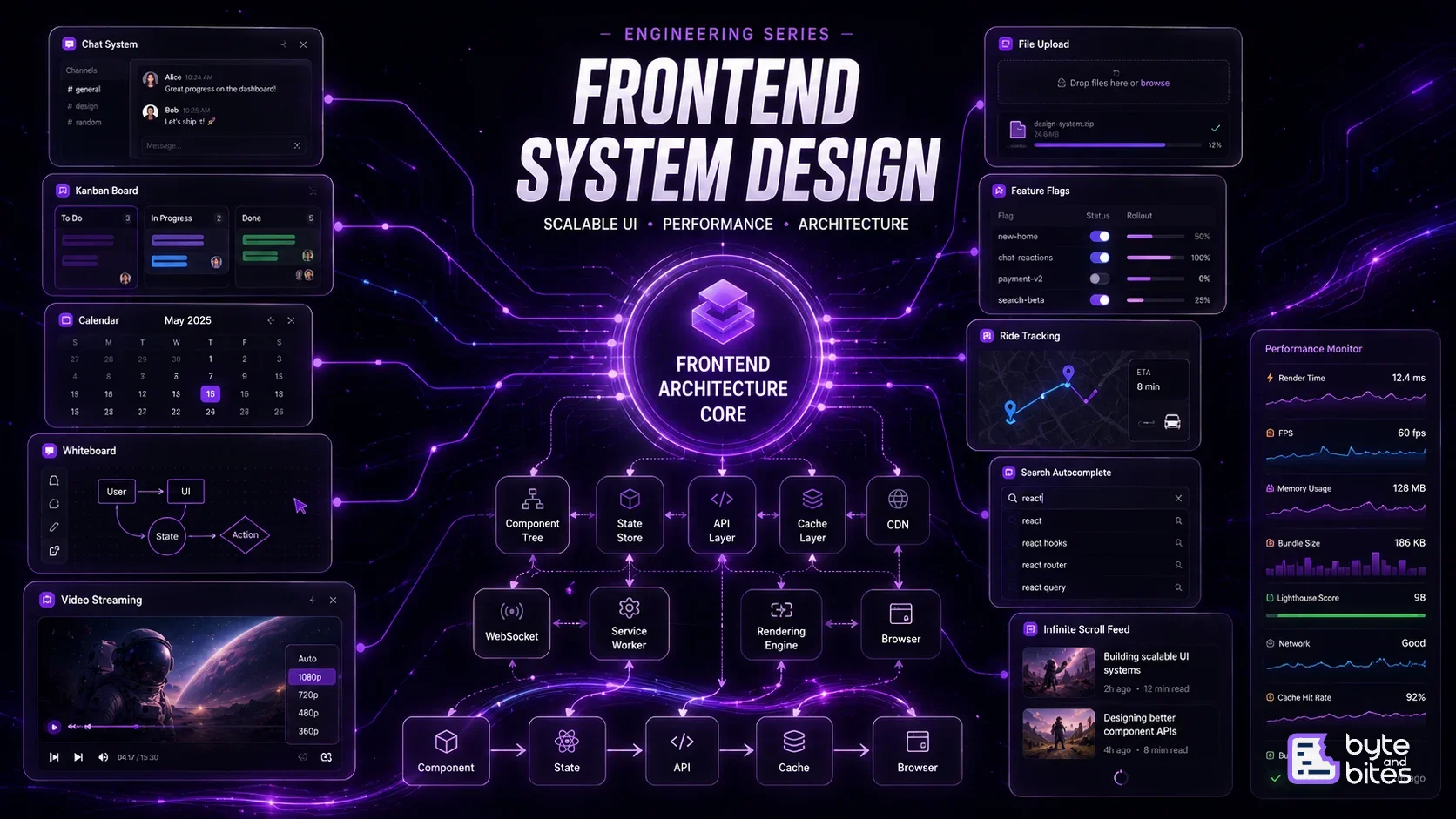
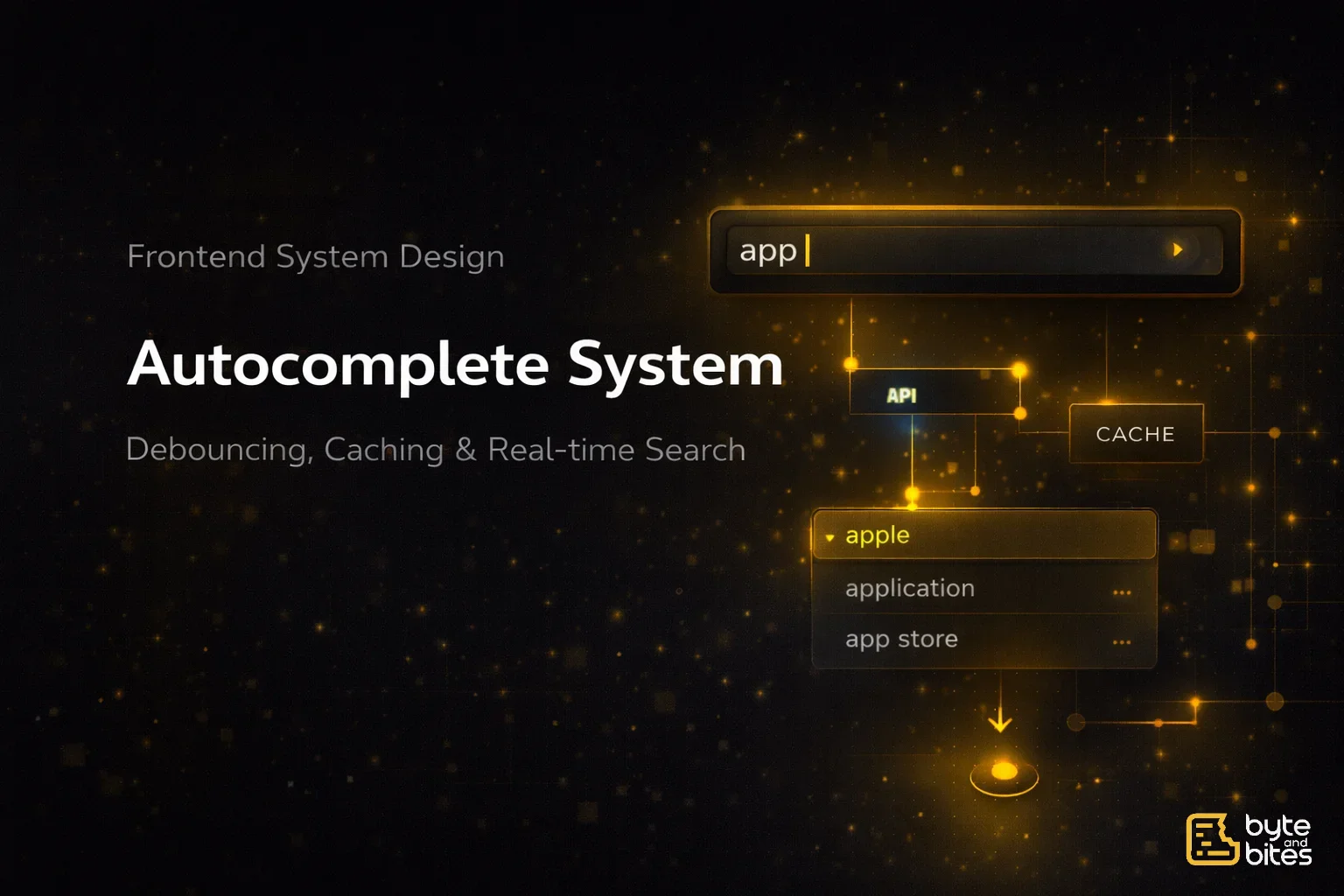
You are asked to design a search autocomplete system similar to a search bar.
Requirements:
- Show suggestions as user types
- Fetch results from backend dynamically
- Display results in dropdown
- Handle fast typing efficiently
- Avoid unnecessary API calls
- Maintain responsiveness
Follow-ups:
- How do you prevent too many API calls?
- How do you handle stale responses?
- How do you cache results?
- What happens when network is slow?
- How do you debounce input?
How to Think About It (Framework)
- Input Handling
- Data Fetching
- State Management
- Caching Strategy
- Performance Optimization
- Edge Cases
Input Handling
Core idea:
- Listen to user input changes
- Trigger search only after some delay
Technique:
- Debouncing (most important concept here)
Without debounce:
- API called on every keystroke
With debounce:
- API called after user pauses typing
Data Fetching
Typical API:
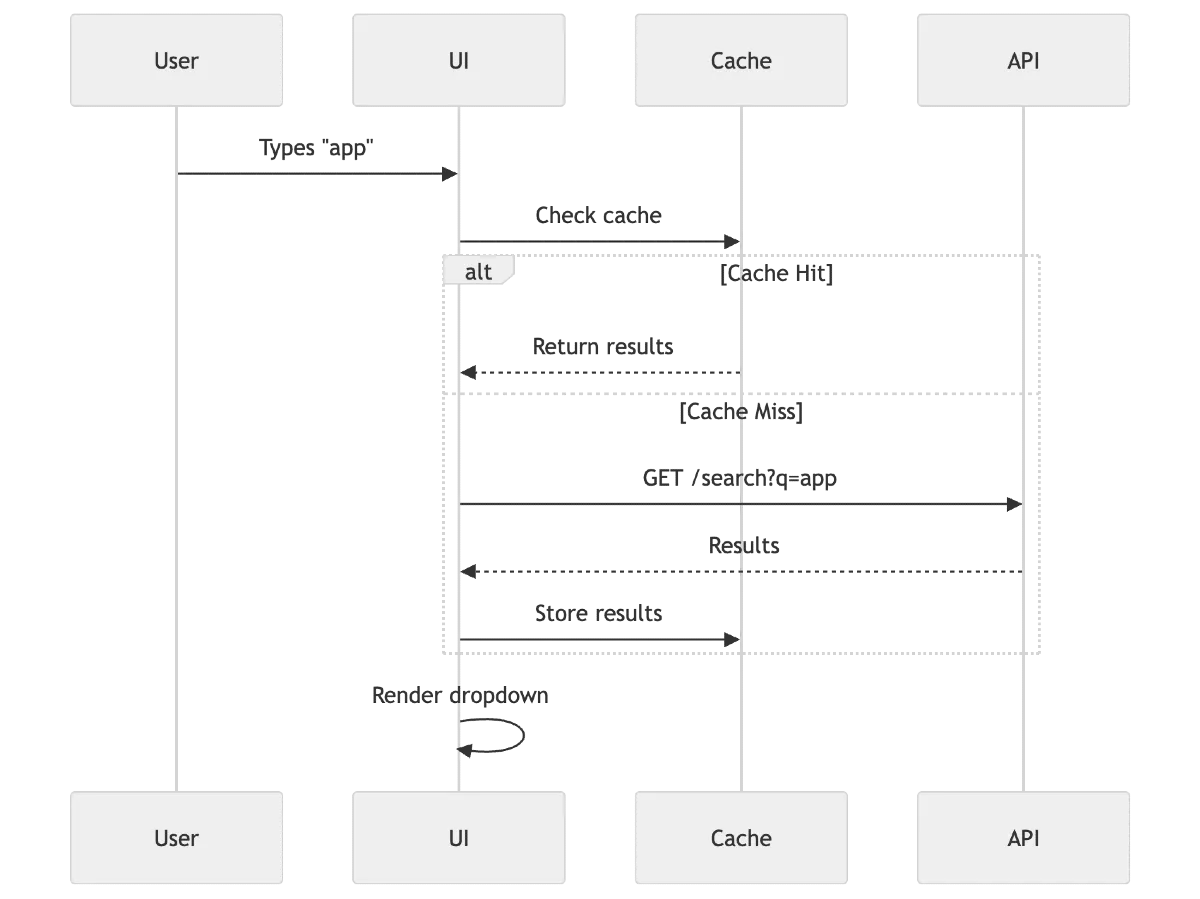
GET /search?q=apple
Important:
- Each query returns suggestions list
Challenges:
- Multiple in-flight requests
- Out-of-order responses
Solution:
- Track latest query
- Ignore stale responses
State Management
We need to manage:
- query: current input value
- results: suggestions list
- loading: request in progress
- error: failure state
- activeIndex: for keyboard navigation
Important:
- Always tie results to current query
Caching Strategy
Basic caching:
- Cache results by query string
Example:
- "app" → cached results
- "apple" → separate cache
Benefits:
- Avoid repeated API calls
- Instant results for repeated queries
Advanced:
- LRU cache (limit memory)
- Partial matching reuse (optional)
Performance Optimization
- Debouncing: Delay API calls (300ms typical)
- Request Cancellation: Abort previous request (AbortController)
- Avoid Re-renders: Memoize components
- Limit Results: Show top N results
Handling Race Conditions
Problem:
User types fast → multiple requests → responses arrive out of order
Solution:
- Keep track of latest query
- Only update UI if response matches current query
User Experience Considerations
- Show loading indicator
- Highlight matched text
- Keyboard navigation (↑ ↓ Enter)
- Close dropdown on blur
- Show “No results” state
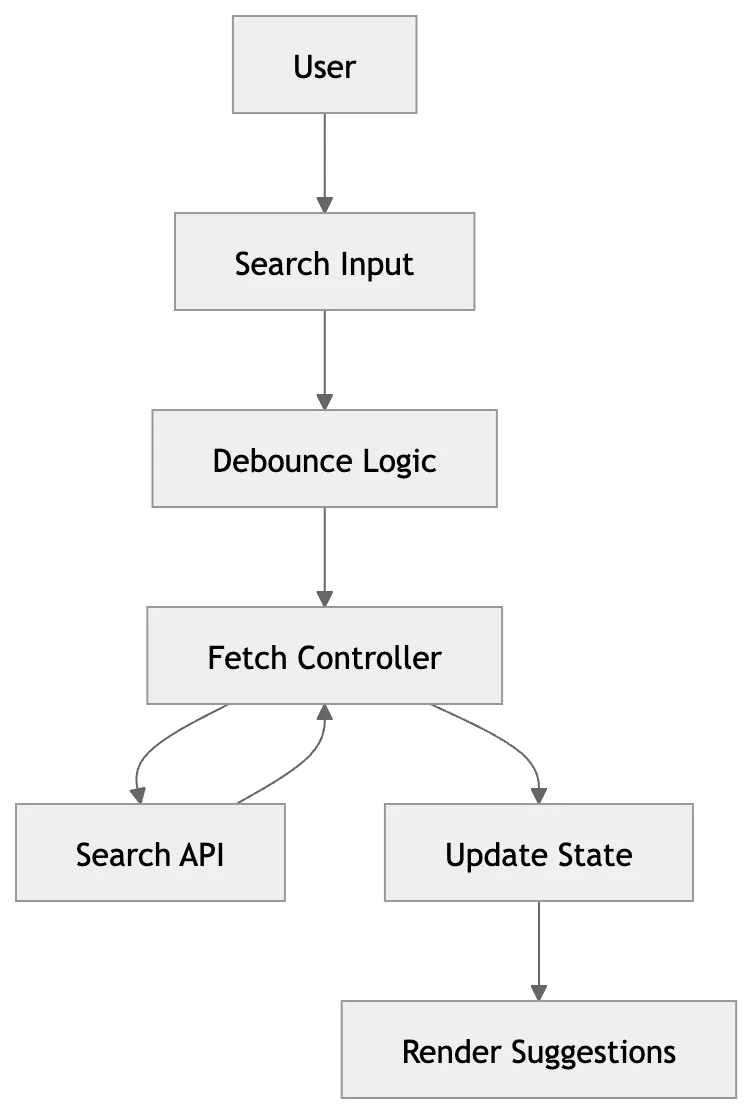
Simple Flow
- User types input
- Debounce triggers
- API request sent
- Response received
- Validate response (latest query)
- Update results
- Render dropdown
What Interviewer is Testing
- Understanding of debouncing
- Handling async race conditions
- Efficient API usage and Cancellation
- Caching awareness
- UX thinking