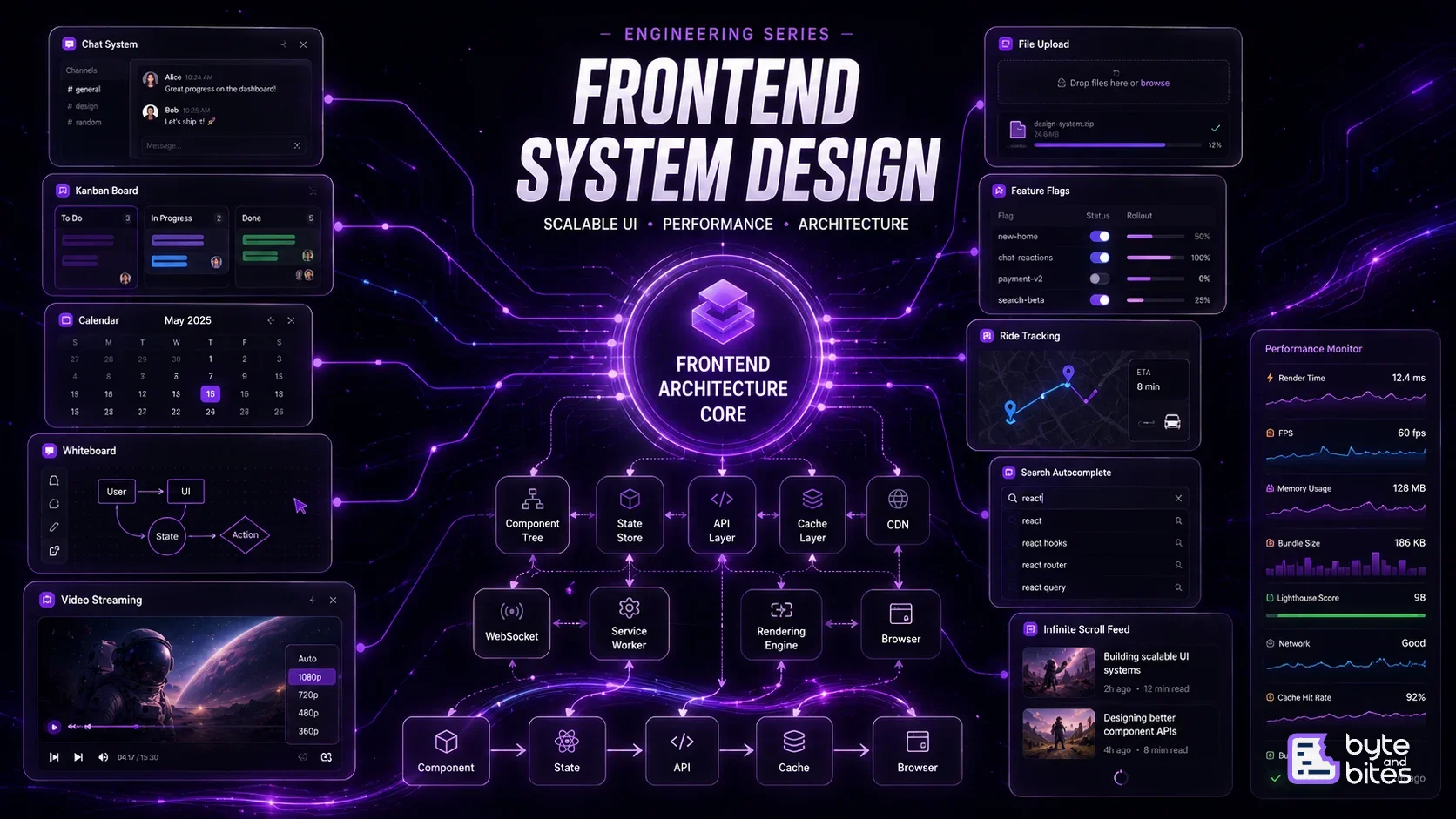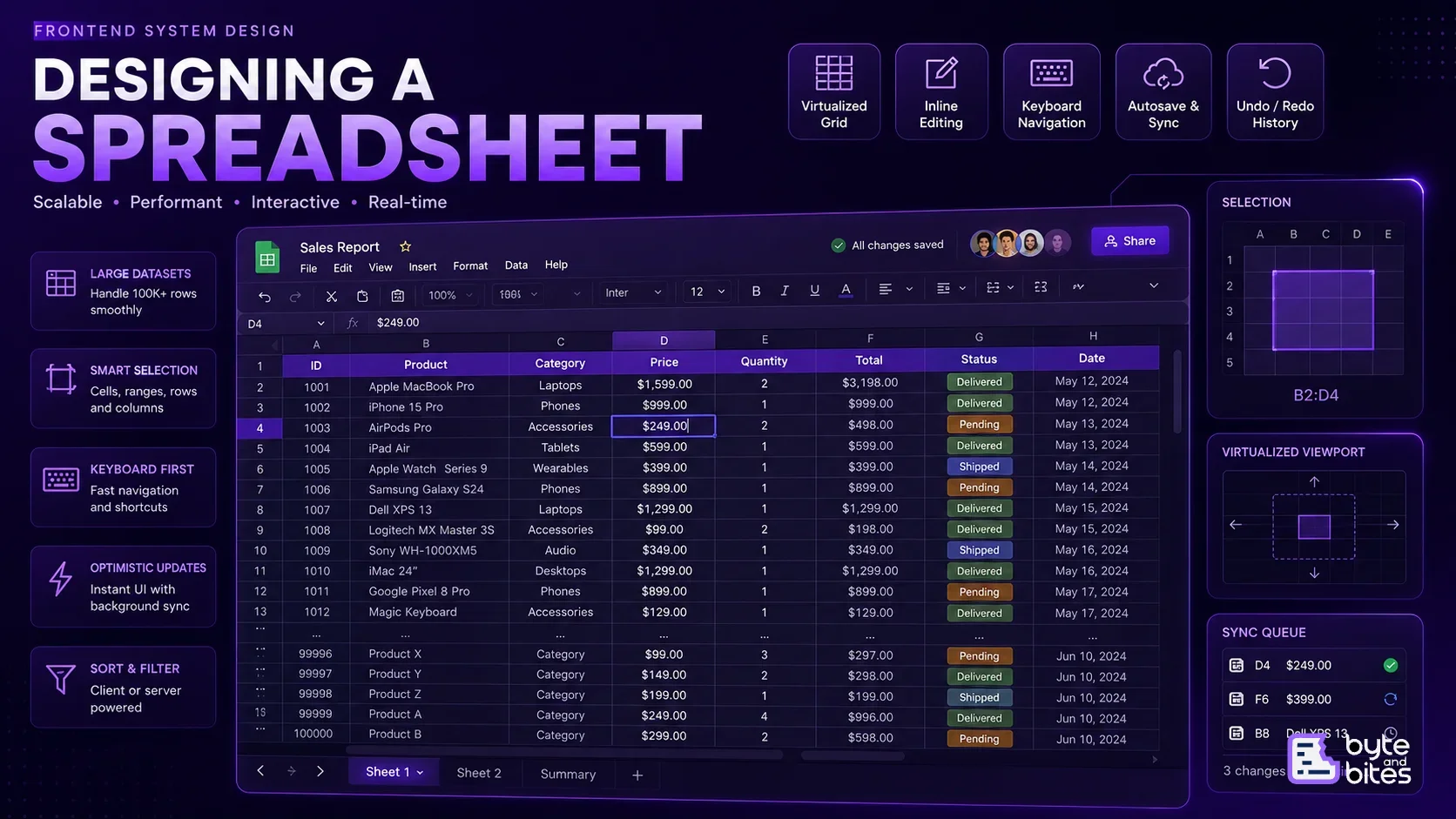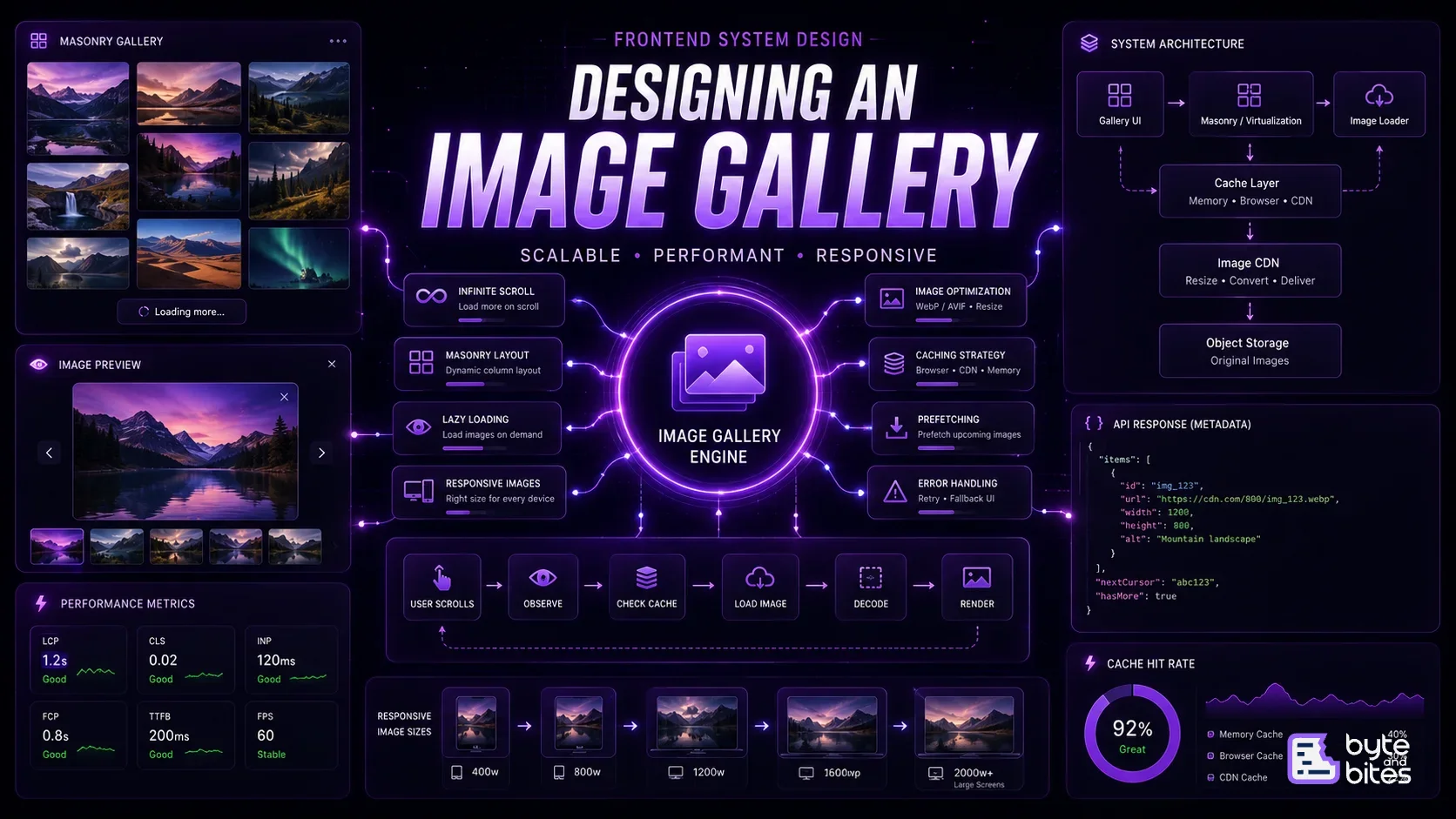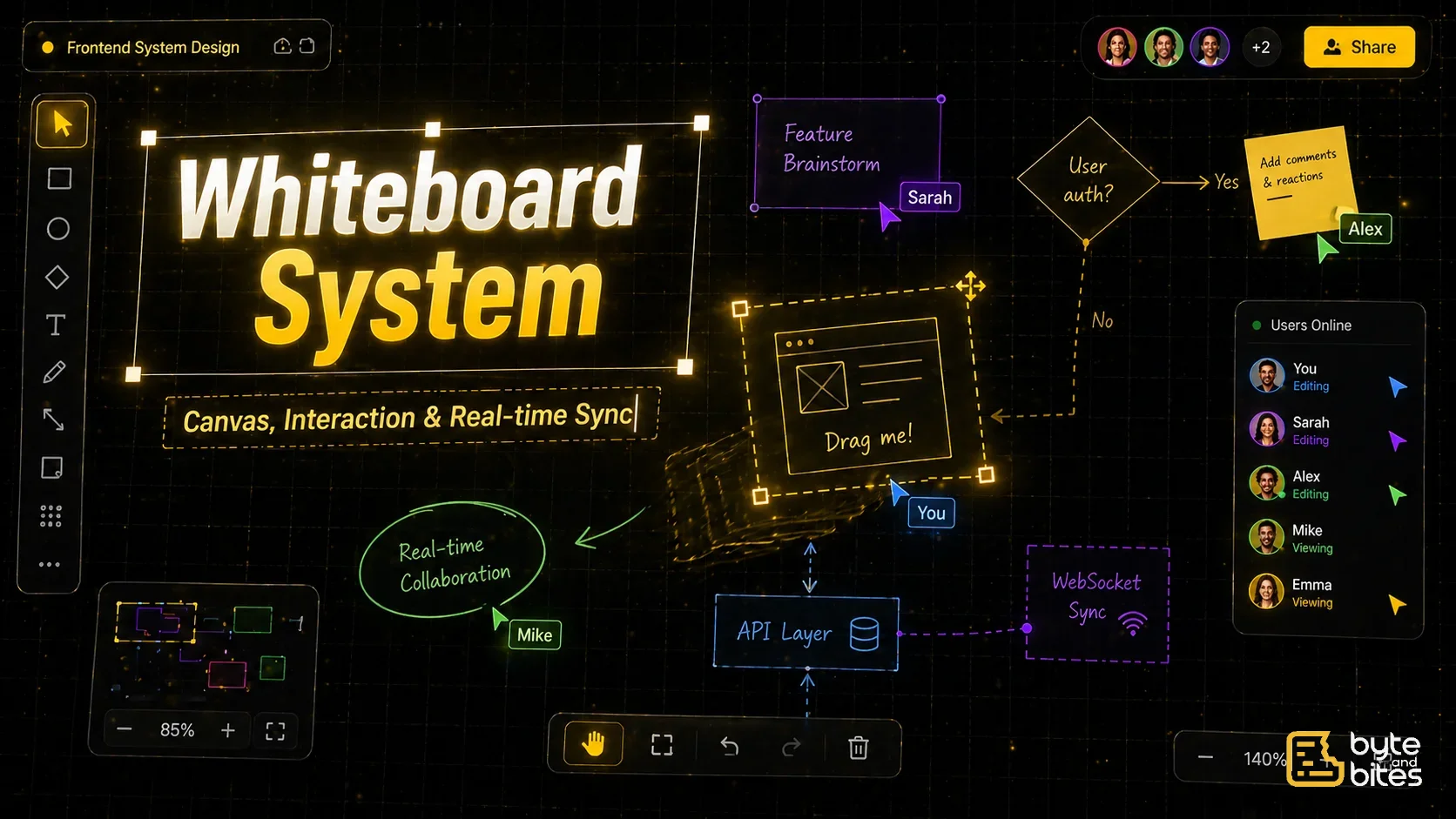
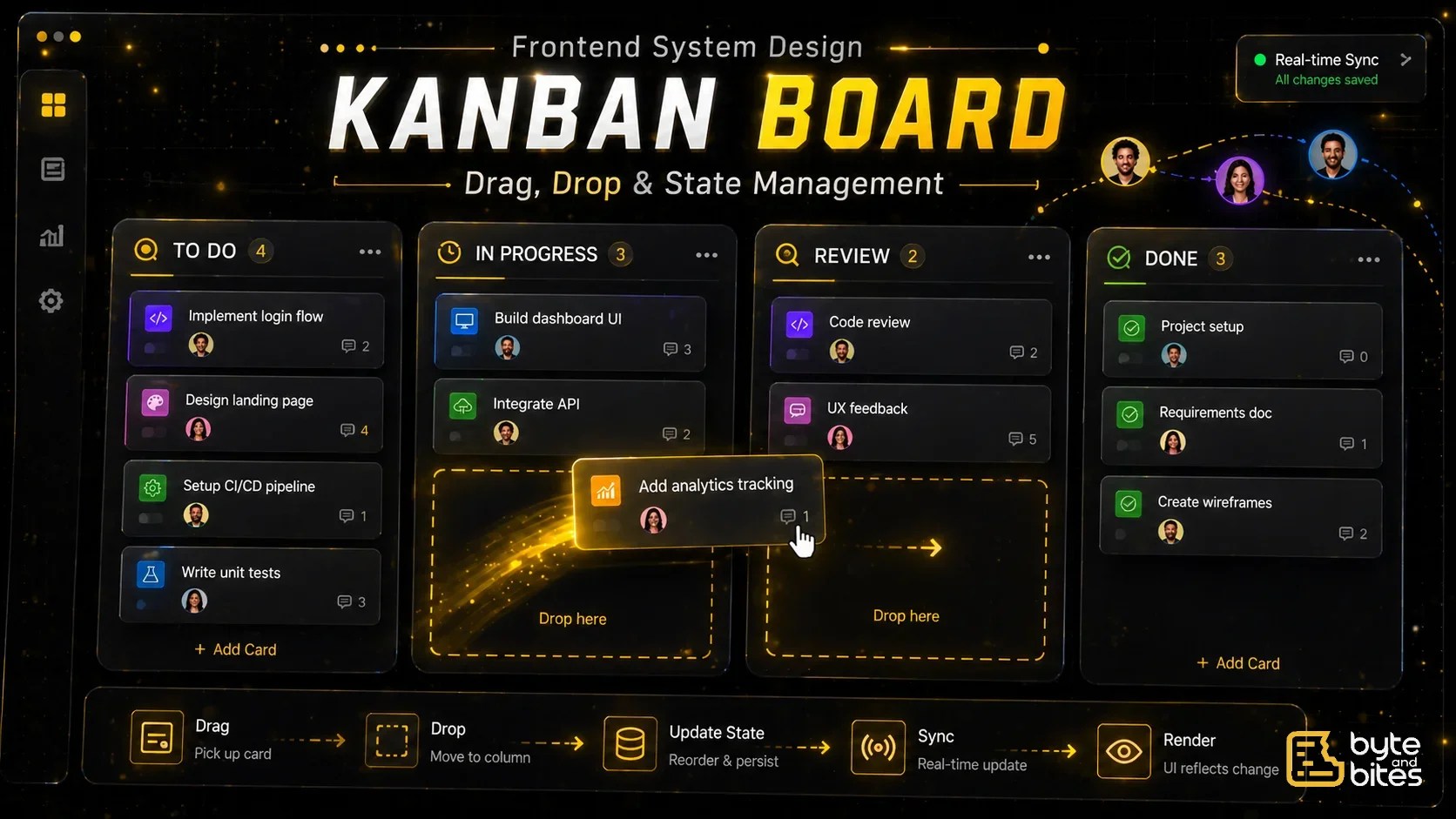
Design a Kanban board similar to Jira.
Core requirements:
- Multiple columns (e.g., Todo, In Progress, Done)
- Cards inside each column
- Drag and drop cards across columns
- Reorder cards within a column
- Persist state
Follow-ups:
- How do you handle drag and drop efficiently?
- How do you maintain ordering?
- How do you handle large boards?
- How do you optimize re-renders?
- How do you persist updates?
How to Think About It (Framework)
- UI Layer
- Data Model
- State Management
- Drag & Drop System
- Ordering Logic
- Persistence
- Performance
- Edge Cases
UI Layer
Main components:
- Board container
- Column (list)
- Card (task)
Behavior:
- Horizontal scrolling for columns
- Vertical scrolling for cards
- Drag interaction with visual feedback
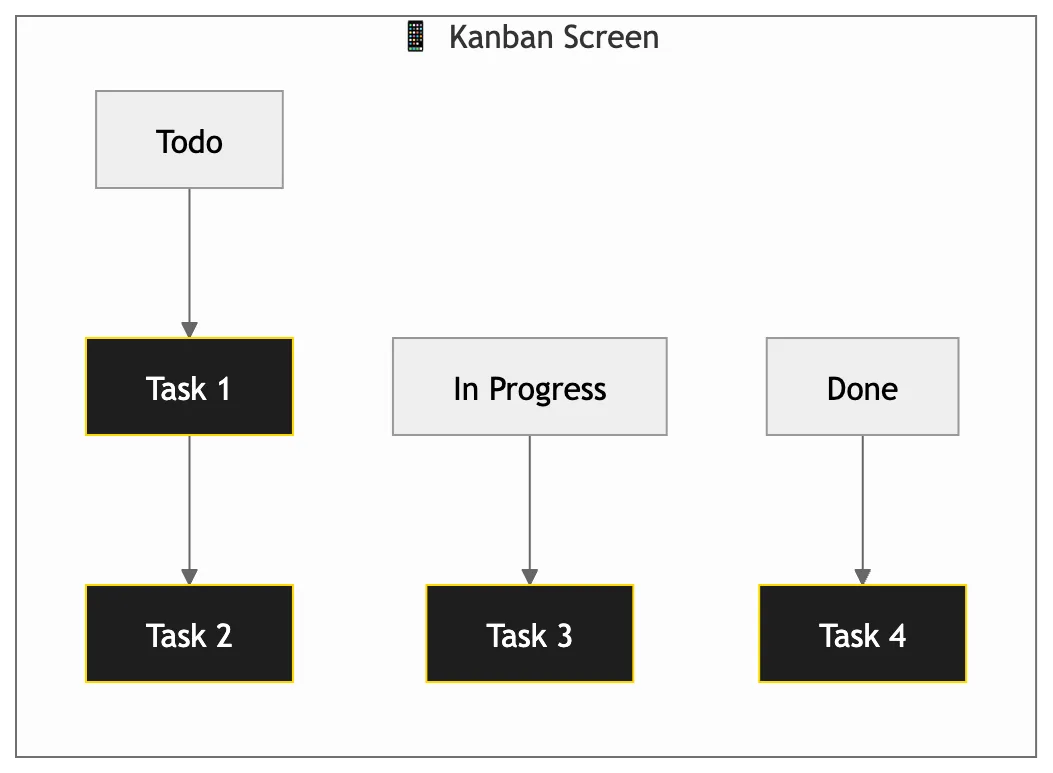
Data Model (Important)
Normalize your state:
{
  columns: {
    col1: { id: "col1", title: "Todo", cardIds: ["c1", "c2"] },
    col2: { id: "col2", title: "In Progress", cardIds: ["c3"] }
  },
  cards: {
    c1: { id: "c1", title: "Task 1" },
    c2: { id: "c2", title: "Task 2" },
    c3: { id: "c3", title: "Task 3" }
  },
  columnOrder: ["col1", "col2"]
}
Why this matters:
- Avoid nested updates
- Faster re-renders
- Easier drag operations
State Management
We need:
- columns
- cards
- draggingItem
- sourceColumn
- destinationColumn
Important:
- Keep state minimal and normalized
Drag & Drop System
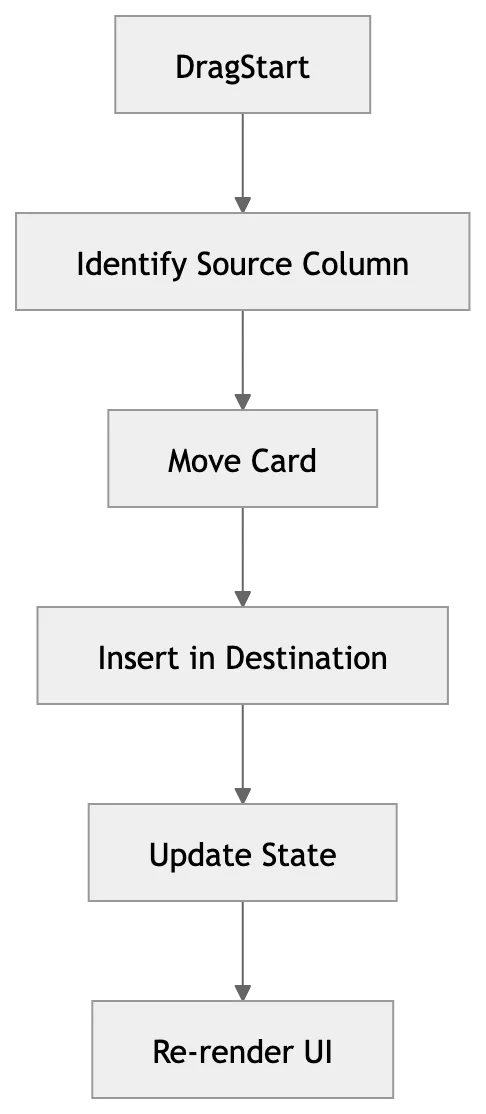
Core flow:
- Drag starts
- Track dragged item
- Detect drop target
- Update state
Two approaches:
- Native HTML5 drag & drop
- Libraries (React DnD, dnd-kit)
In interviews:
- Focus on logic, not library
Ordering Logic
Case 1: Reorder within same column
newCardIds = reorder(list, startIndex, endIndex)Case 2: Move across columns
Steps:
- Remove from source
- Insert into destination
Persistence
API example:
PATCH /card/{id}
{ columnId, position }
Approach:
- Optimistic update (update UI immediately)
- Sync with backend
Optimistic UI
- Update UI instantly
- If API fails → rollback
Performance Optimization
- Memoization: Avoid re-rendering entire board
- Virtualization: For large number of cards
- Avoid deep copies: Use shallow updates
Handling Large Boards
- Lazy load columns
- Virtualize lists
- Paginate cards
Edge Cases
- Dropping outside valid area
- Rapid drag events
- Duplicate updates
- Empty columns
- Large data
Simple Flow
- User drags card
- UI updates position
- State updated
- API call sent
- Backend confirms
What Interviewer is Testing
- State modeling
- Drag & drop logic
- Performance awareness
- UI consistency