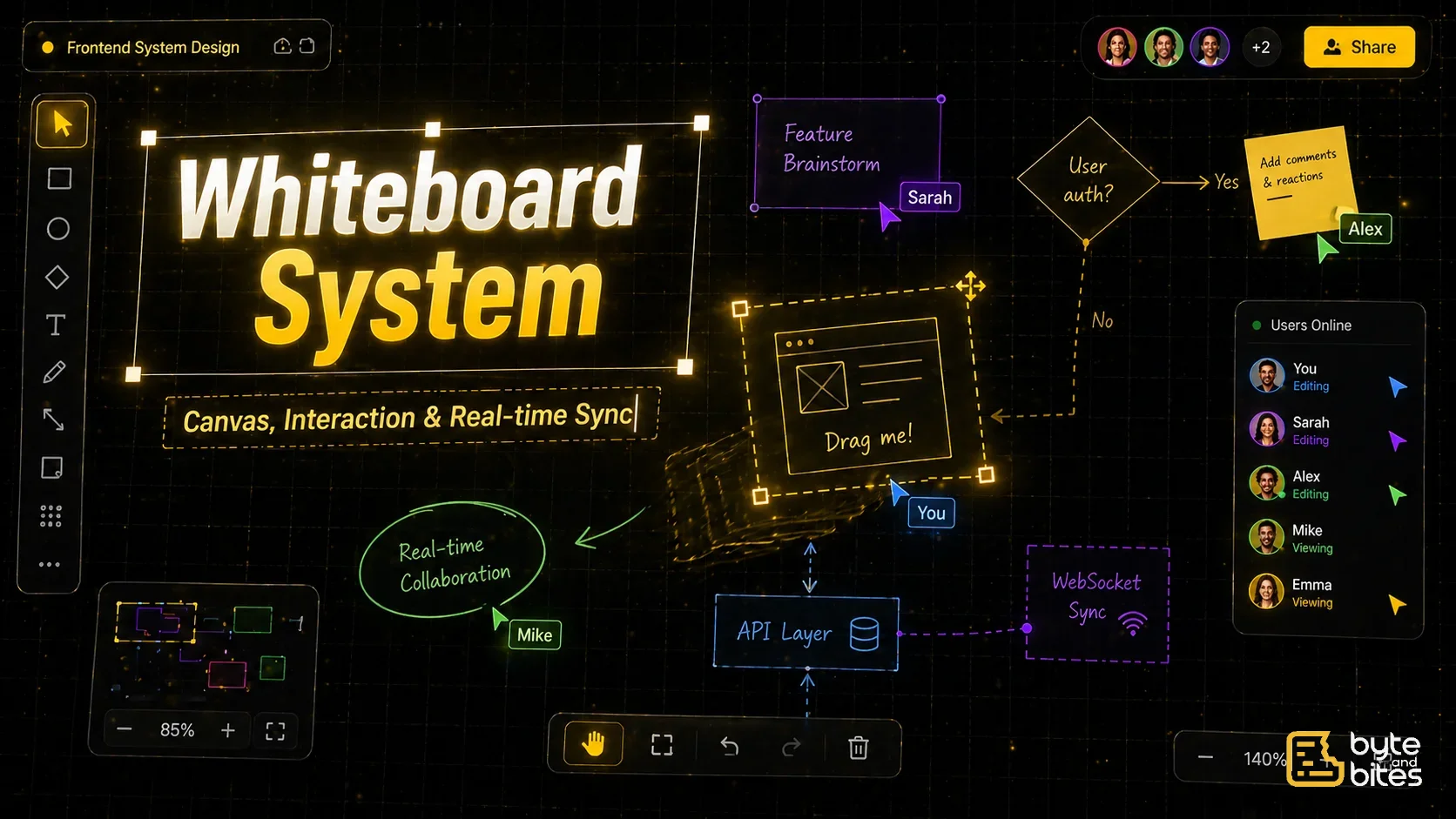
Design a whiteboard system similar to Figma or Miro.
Core requirements:
- Infinite canvas (pan + zoom)
- Add shapes (rectangle, text, lines)
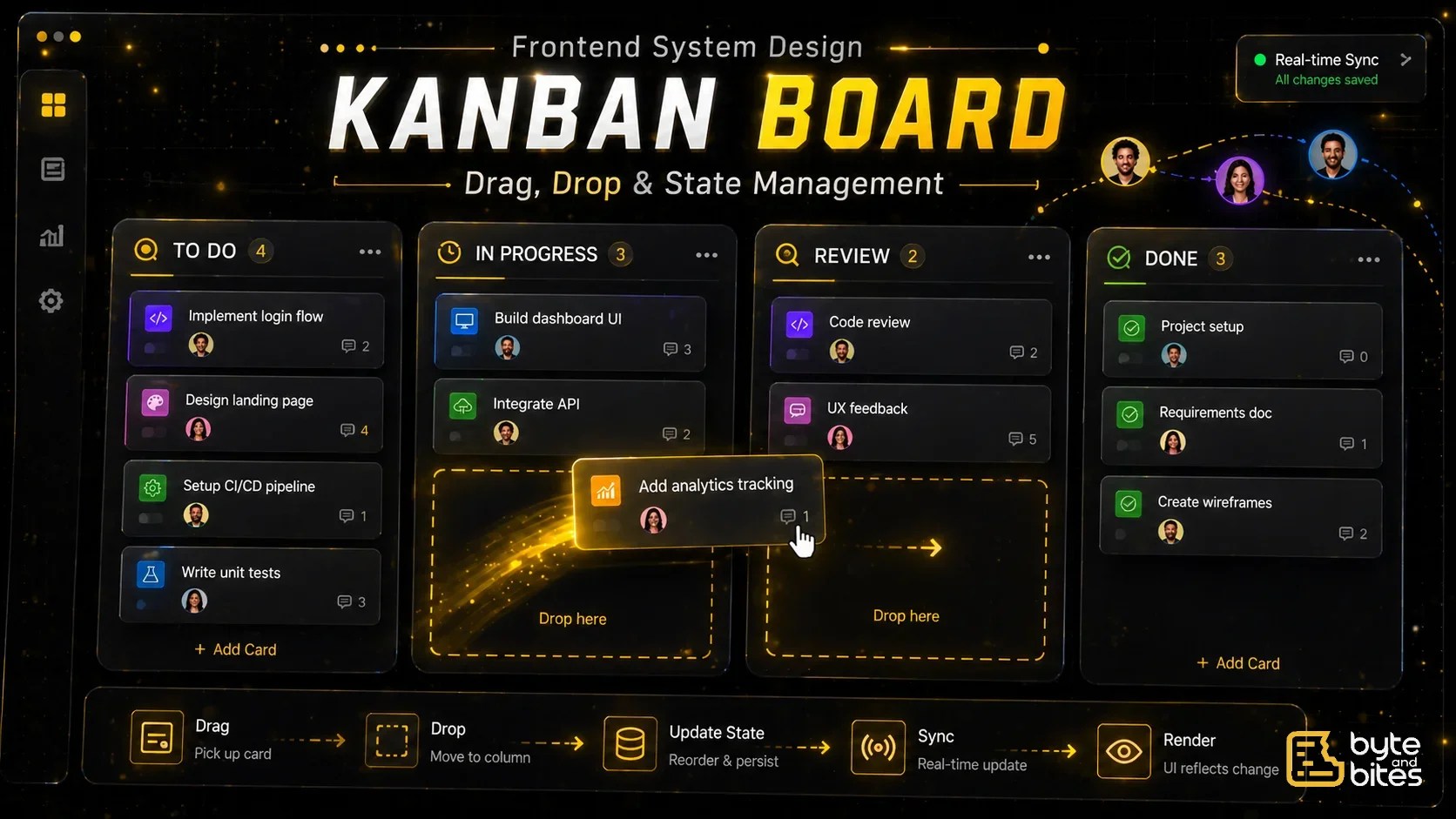
- Drag, resize, and move elements
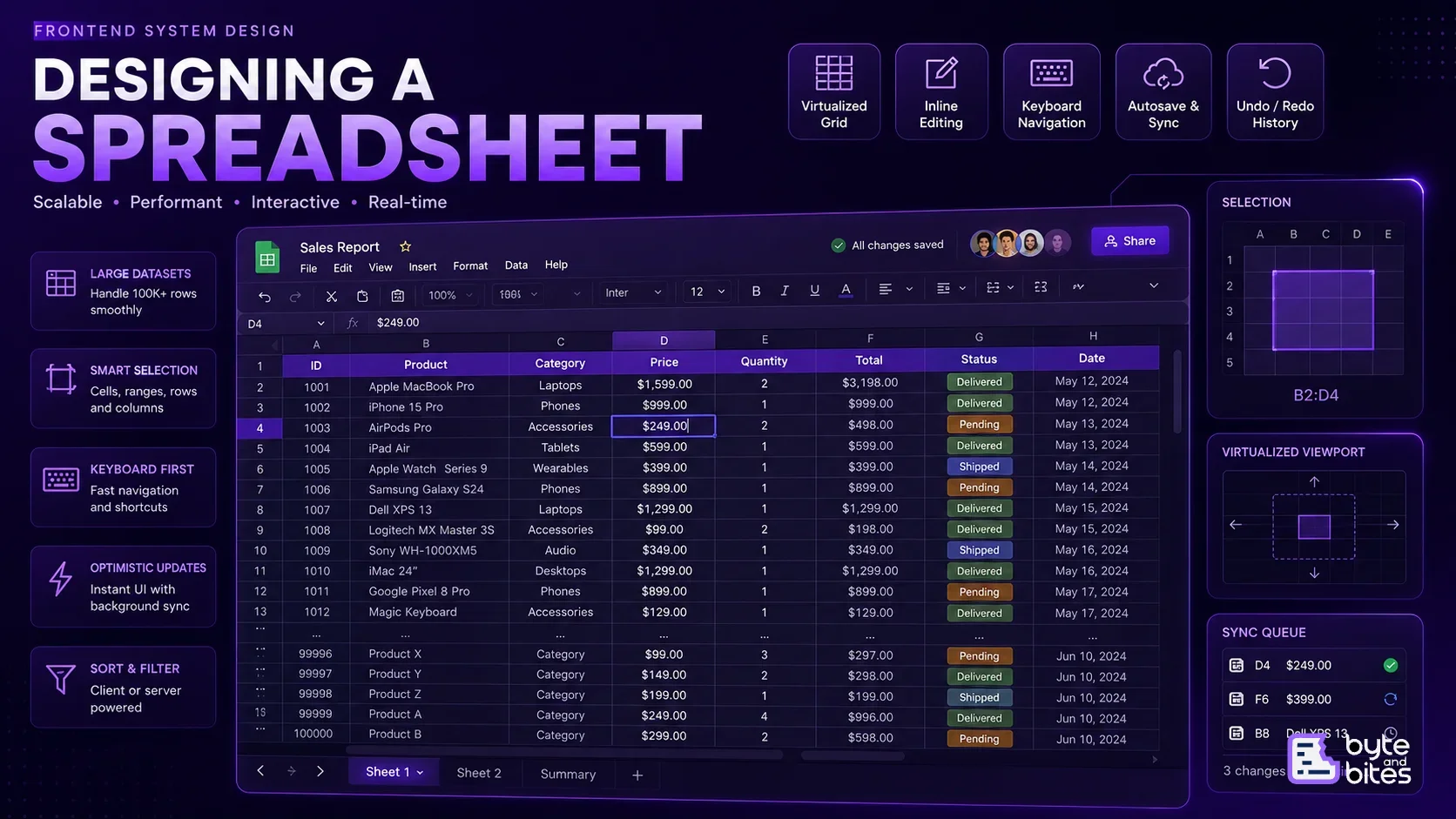
- Multi-select and grouping
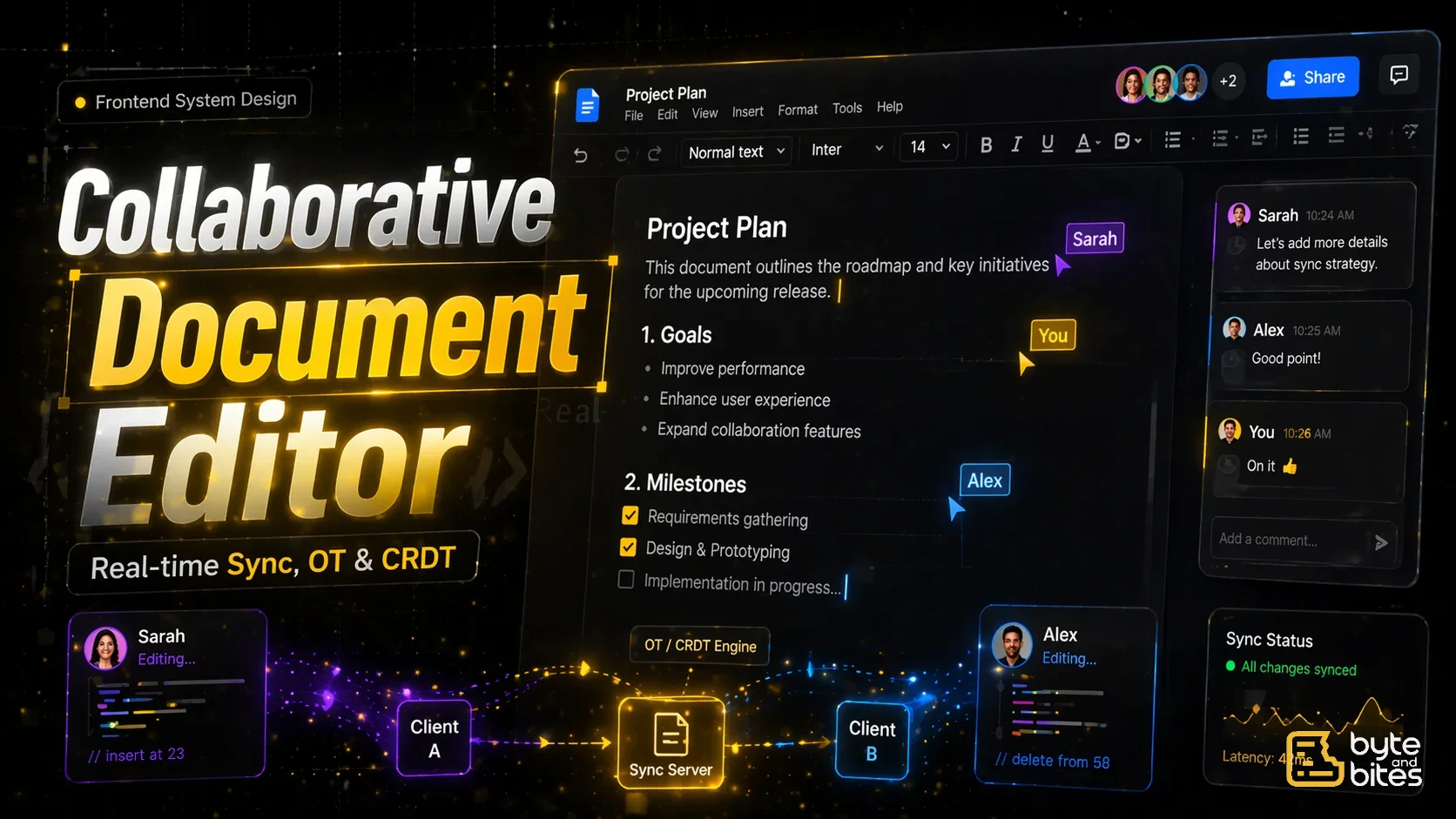
- Real-time collaboration
Follow-ups:
- How do you manage canvas coordinates?
- How do you handle zoom and pan?
- How do you store elements efficiently?
- How do you sync changes across users?
- How do you optimize rendering?
How to Think About It (Framework)
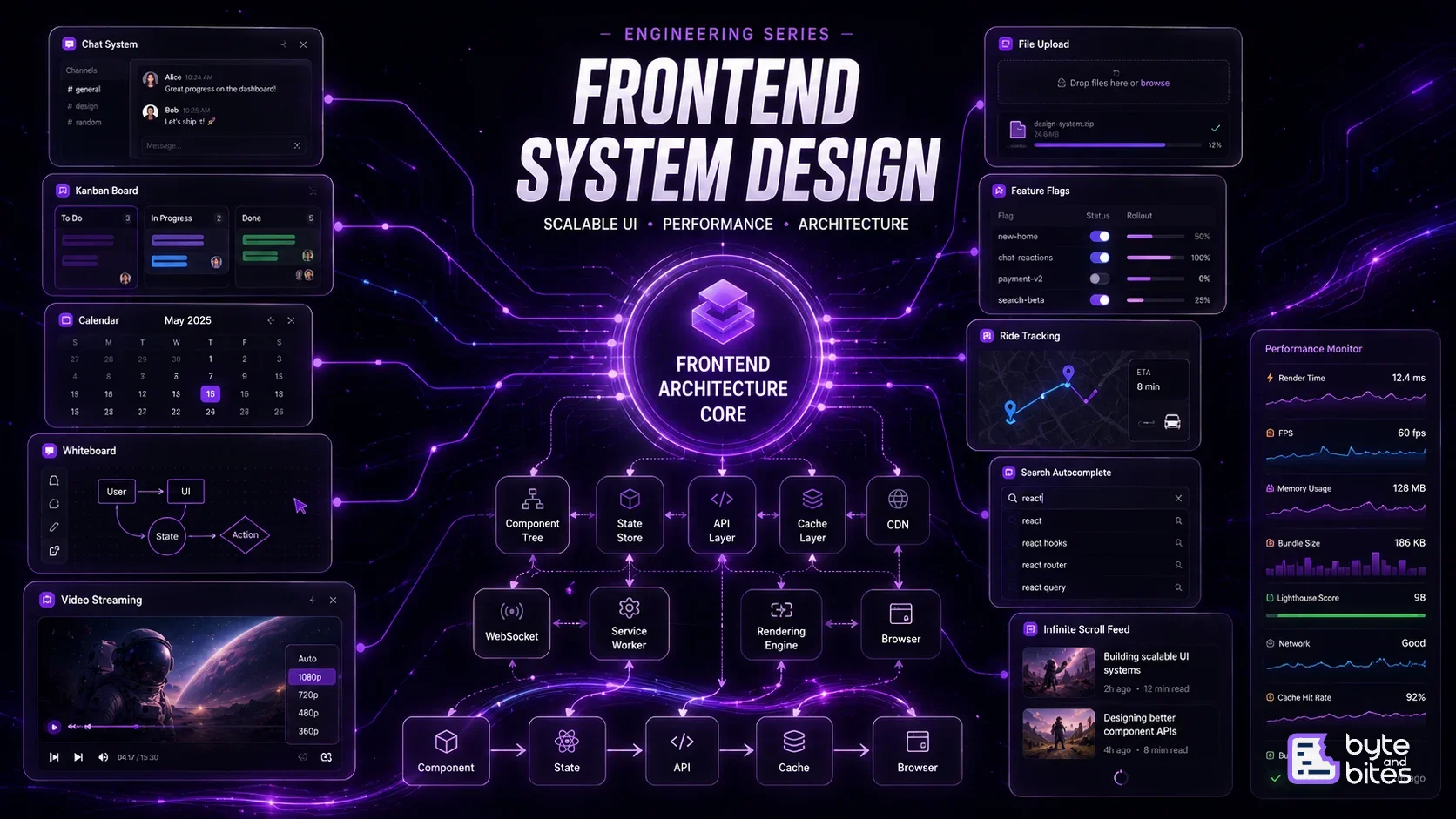
- UI Layer
- Data Model
- Coordinate System
- Interaction System
- Rendering Strategy
- Real-time Sync
- Performance
- Edge Cases
UI Layer
Main components:
- Canvas (main drawing area)
- Toolbar (shapes, tools)
- Selection box
- Layers panel (optional)
Behavior:
- Drag elements
- Resize with handles
- Select multiple elements
- Pan canvas
- Zoom in/out

Data Model
Each element is an object:
{
  id: "1",
  type: "rectangle",
  x: 100,
  y: 200,
  width: 150,
  height: 100,
  rotation: 0
}
Store as:
- elements map (id → element)
- order array (z-index)
Coordinate System
Key concept:
Two coordinate spaces:
- Canvas coordinates (logical)
- Screen coordinates (viewport)
Transform:
screenX = canvasX * zoom + offsetX
screenY = canvasY * zoom + offsetY
Interaction System
Drag
- Track mouse down
- Calculate delta
- Update position
Resize
- Use corner handles
- Update width/height
Multi-select
- Draw selection box
- Detect intersecting elements
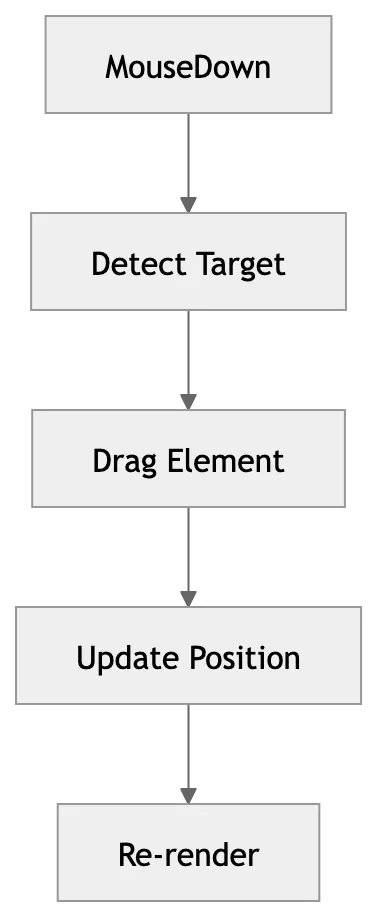
Pan & Zoom
Pan
- Change offsetX, offsetY
Zoom
- Scale canvas
Important:
- Zoom around cursor position (not center)
Rendering Strategy
Options:
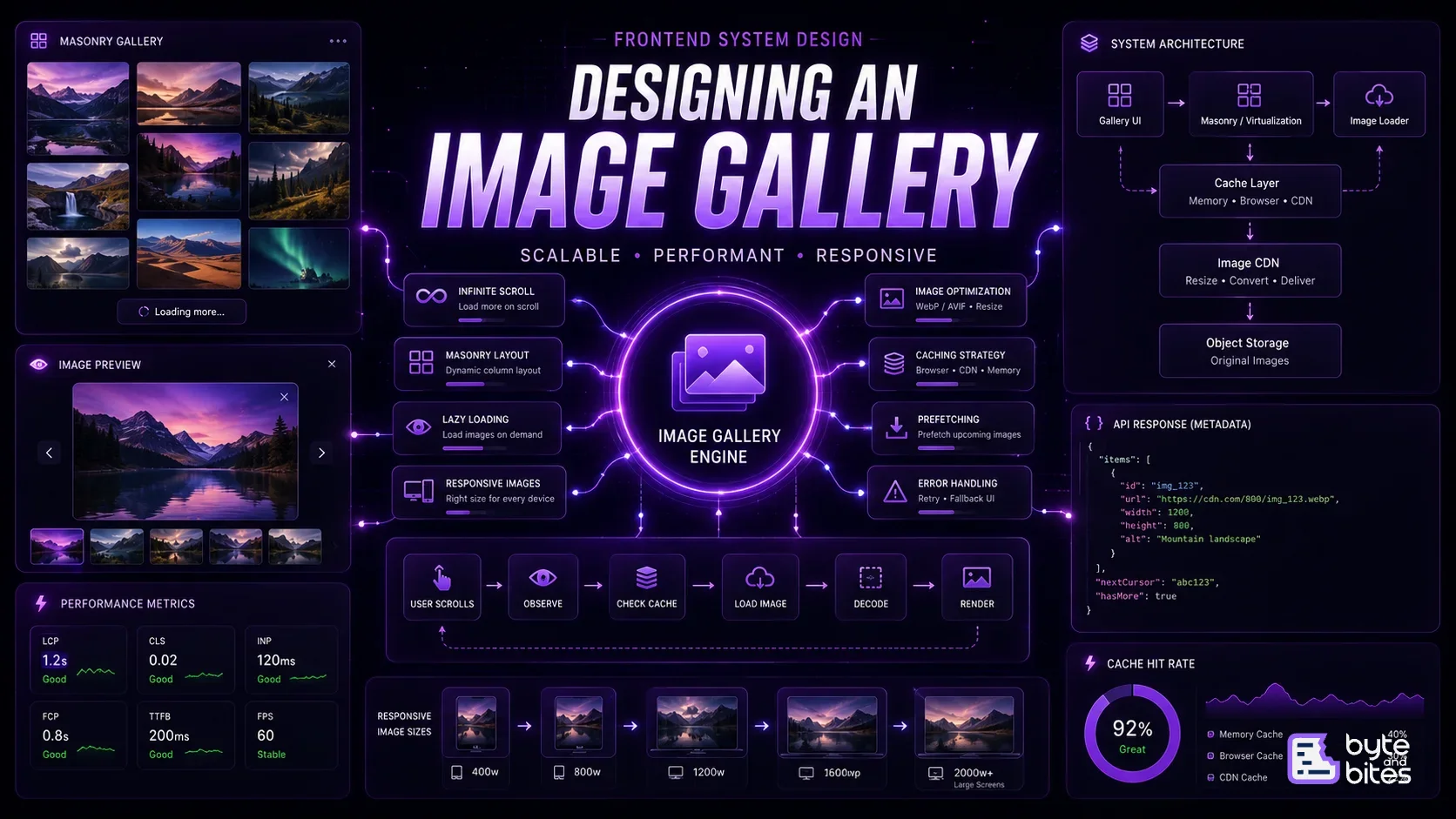
1. DOM (divs)
- Simple
- Limited performance
2. Canvas (HTML5)
- Better performance
- Manual rendering
3. WebGL (advanced)
- For large scale
For interviews:
- Mention Canvas for performance
Real-time Collaboration
Use WebSockets
Flow:
- User moves element
- Send update (operation)
- Server broadcasts
- Other clients update
Conflict Handling
Two users moving same element:
Options:
- Last write wins (simple)
- OT/CRDT (advanced)
State Management
You need:
- elements
- selectedElements
- zoomLevel
- offset (pan)
- interaction state (dragging/resizing)
Performance Optimization
- Only re-render changed elements
- Use requestAnimationFrame
- Throttle mouse events
- Virtualize offscreen elements
- Use spatial indexing (quad tree)
Edge Cases
- Very large canvas
- Thousands of elements
- Zoom precision issues
- Multi-user conflicts
- Undo/Redo
Simple Flow
- User adds shape
- Element stored in state
- Render on canvas
- User interacts
- Update state
- Sync with server
What Interviewer is Testing
- Spatial thinking
- UI interaction design
- Performance awareness
- Real-time sync
- Data modeling