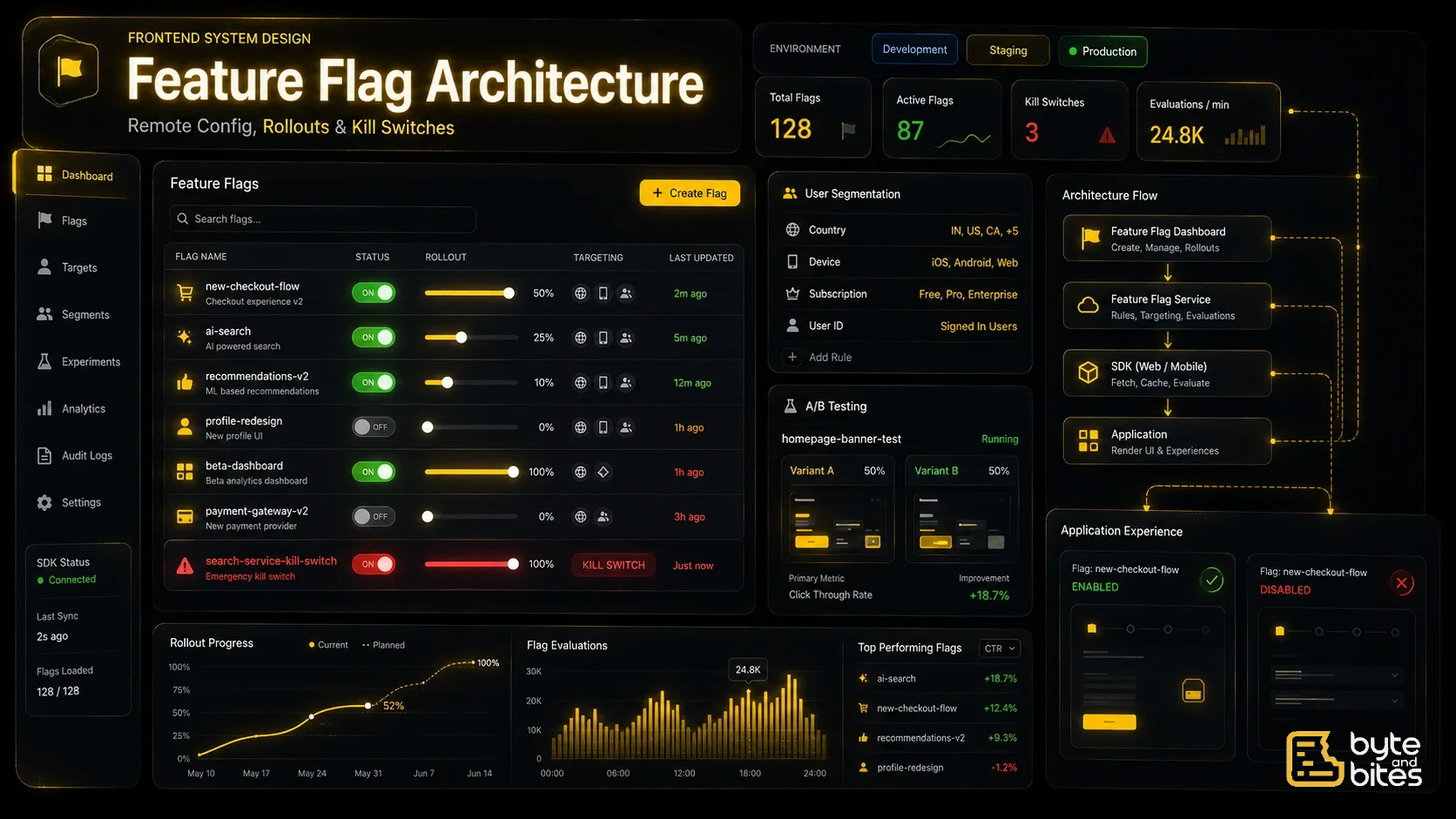
Design a scalable frontend feature flag architecture for a large web application.
Requirements:
- Enable/disable features remotely
- No redeployment required
- User-specific flags
- Percentage rollouts
- Country/device-based targeting
- A/B testing support
- Kill switches
- Offline fallback
- Fast startup
- Real-time updates (optional)
Follow-up Questions
- Where should flags be stored?
- How do you avoid flickering during app startup?
- How do you cache flags?
- How do you support offline mode?
- How do you perform percentage rollout?
- How do you remove stale flags?
- How do you update flags without refreshing the page?
How to Think About It (Framework)
- Flag Service
- Client SDK
- State Management
- Flag Evaluation
- Rollout Strategy
- Caching
- Performance
- Cleanup
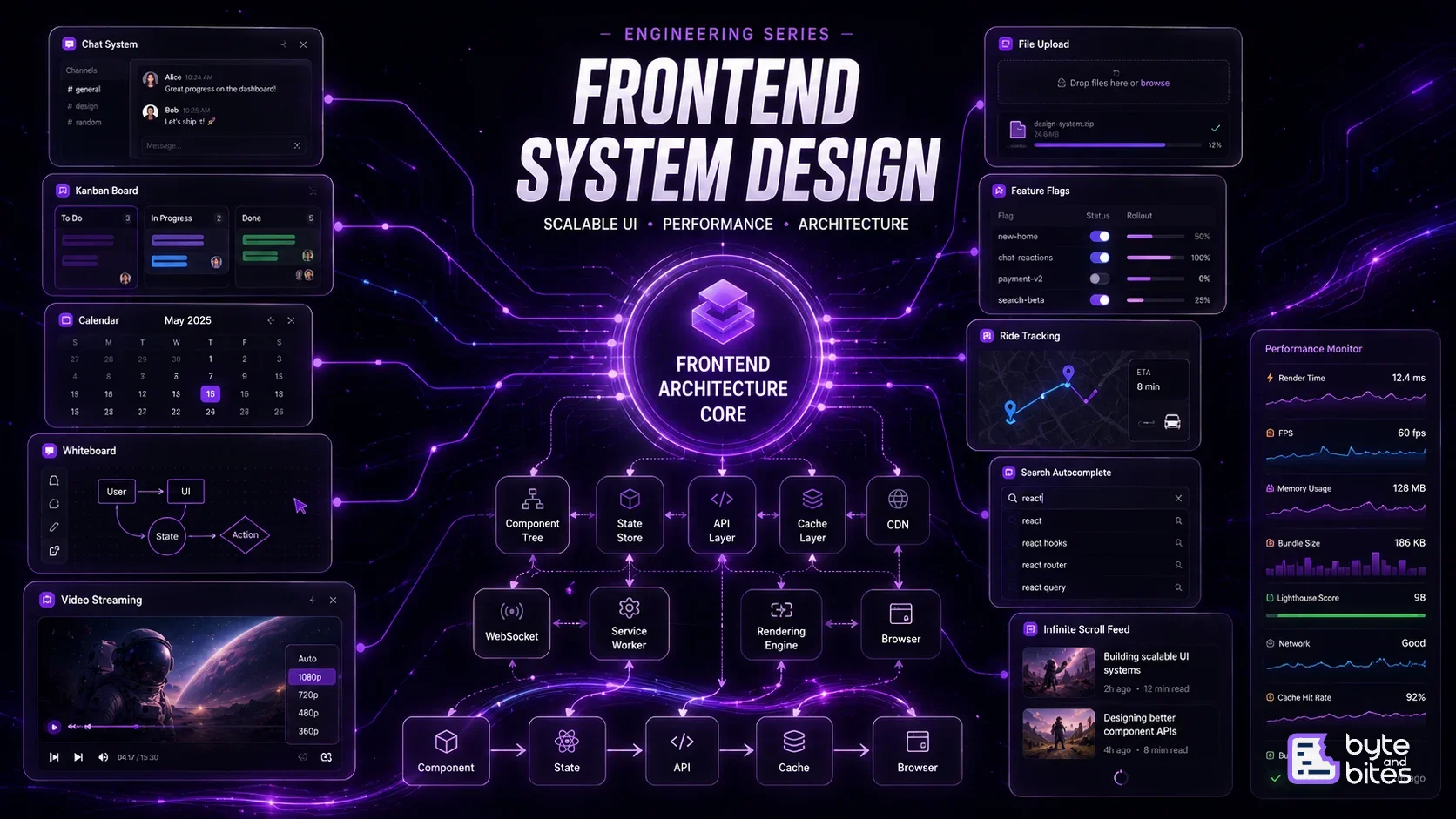
High-Level Architecture
The frontend should never hardcode feature availability.
Instead:
App Startup → Feature Flag SDK → Feature Flag Service → Evaluate Rules → Expose Feature Values → Render UI
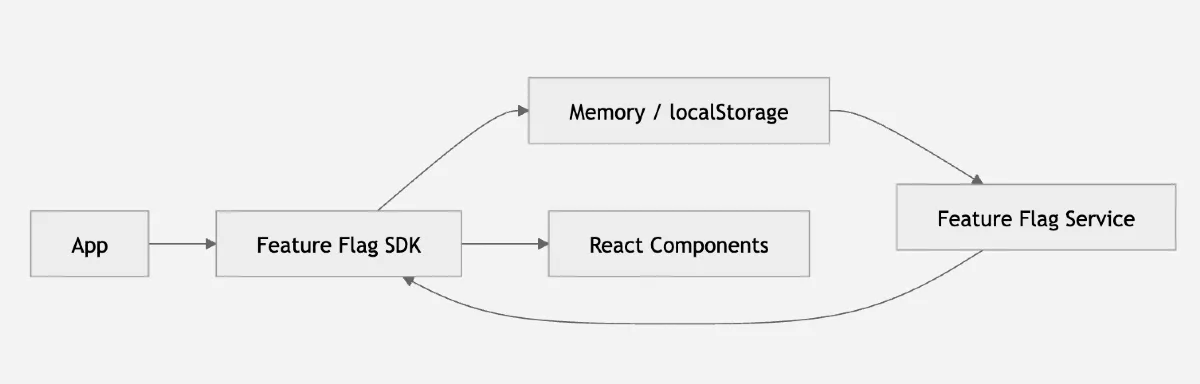
UI Layer
Every component should consume flags instead of checking environments.
Example:
if (flags.newCheckout) {
   render(NewCheckout)
} else {
   render(LegacyCheckout)
}
Data Model
interface FeatureFlag {
    key: string;
    enabled: boolean;
    rollout: number;
    rules: Rule[];
}
Example:
{
   key: "new-navbar",
   enabled: true,
   rollout: 20
}
Flag Evaluation
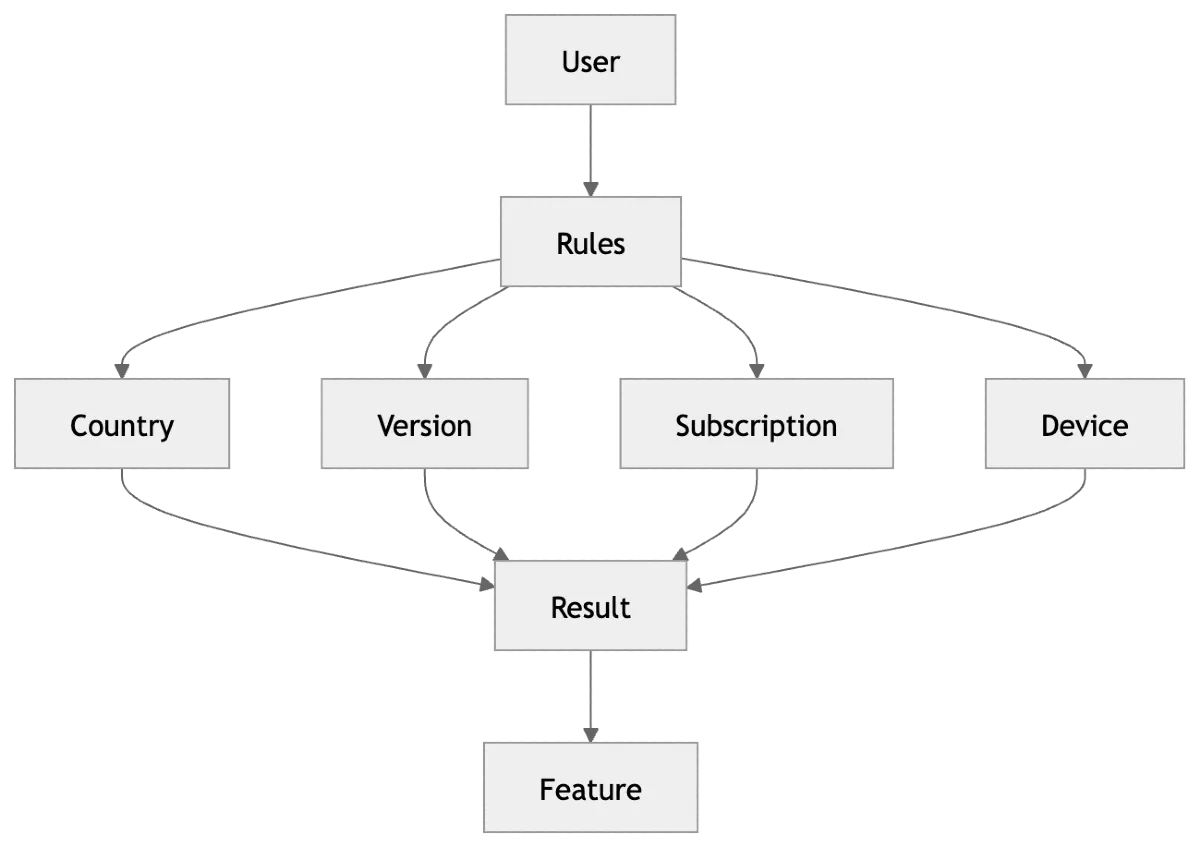
Evaluation can happen based on:
- User ID
- Country
- Device
- App Version
- Subscription
- Browser
- Custom attributes
Percentage Rollout
Instead of:
Everyone gets feature
↓
Roll out gradually
Example
5% → 10% → 25% → 50% → 100%
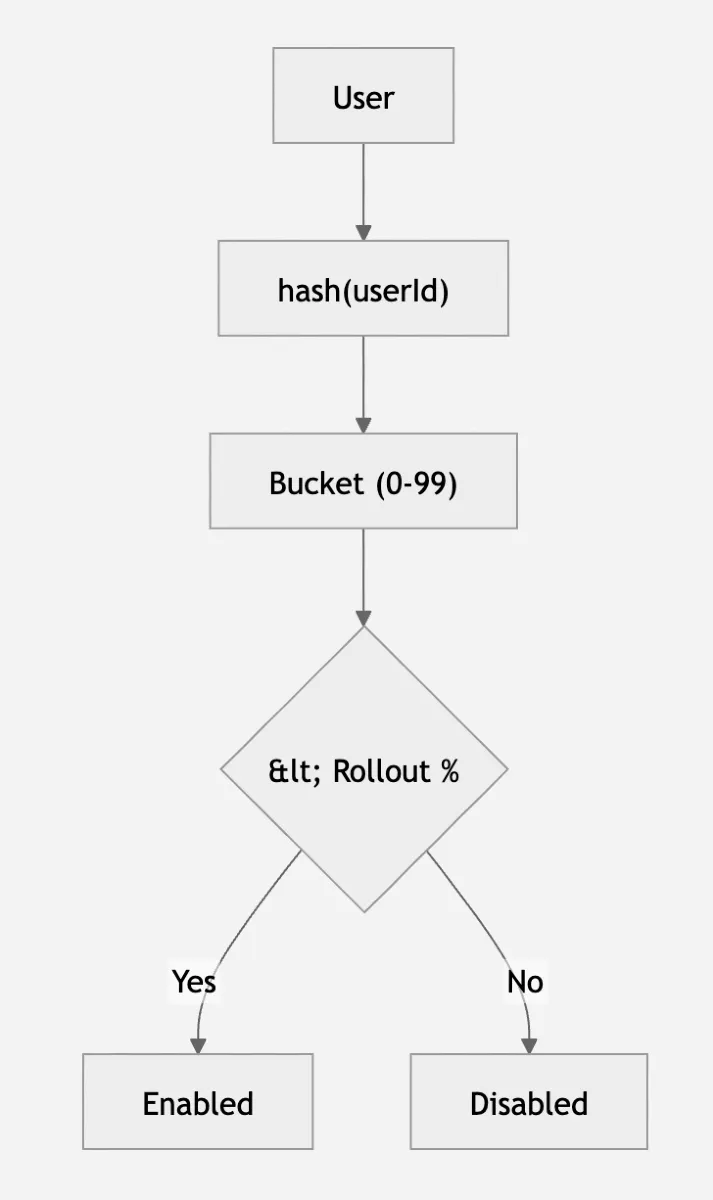
Typical implementation:
hash(userId) % 100 < rolloutPercentageThis ensures the same user consistently receives the same experience.
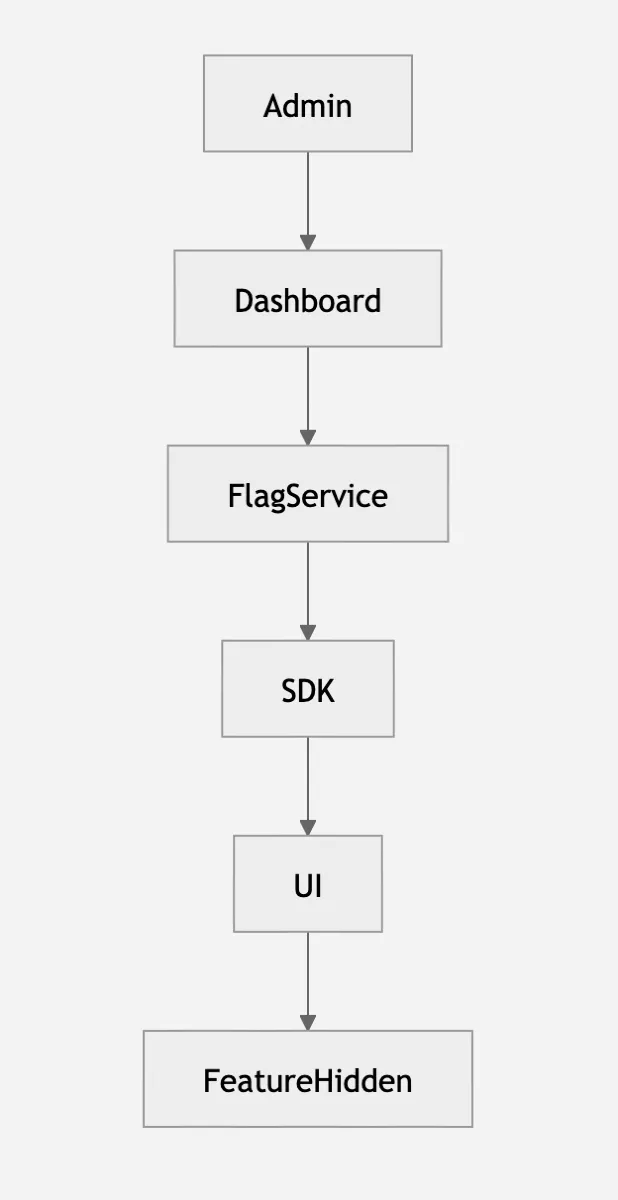
Kill Switch
One of the most important production features.
Suppose Checkout V2 breaks.
Instead of redeploying:
Dashboard
↓
Disable Flag
↓
All clients hide feature
↓
Issue resolved
No deployment required.
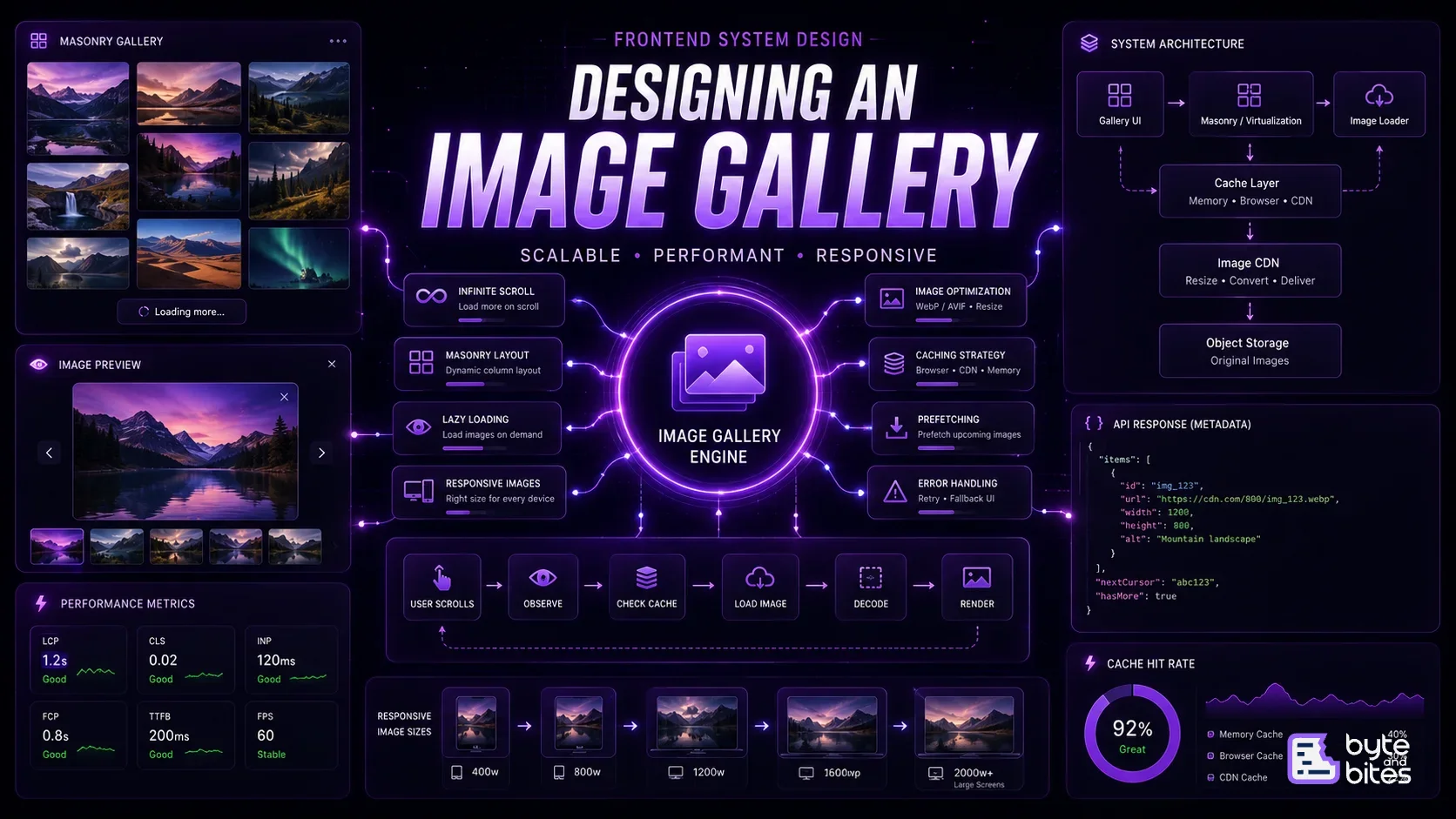
Caching Strategy
Flags should not be fetched every page load.
Cache in:
- Memory
- localStorage
- IndexedDB (optional)
Use:
stale-while-revalidate
Flow:
Cached Flags
↓
Render immediately
↓
Fetch latest
↓
Update silently
Real-Time Updates
Optional but useful.
Server
↓
WebSocket / SSE
↓
Client SDK
↓
Update Flags
↓
Re-render affected components
State Management
Store
flags
loading
error
lastUpdated
source
Rendering Strategy
Avoid:
Loading...
↓
Fetch Flags
↓
Render UI
Instead
Cached Flags
↓
Render
↓
Background Refresh
This prevents UI flickering.
A/B Testing
Example
Button A vs Button B
Evaluation:
variant = hash(userId) % 2
Store analytics separately.

Performance Optimization
Lazy load flag groups:
- Don't download thousands of flags.
Memoize evaluations:
- Avoid recalculating flags.
Batch updates:
If 20 flags change
↓
One render
Not 20 renders.
Remove dead flags
- Old flags increase complexity.
- Schedule cleanup after rollout.
Edge Cases
- Flag service unavailable
- Network timeout
- Corrupted cache
- User logs out
- User changes country
- Rollout changes during session
What Interviewer is Testing
- Frontend architecture
- Remote configuration
- Rendering strategies
- Caching
- Performance
- Progressive rollout