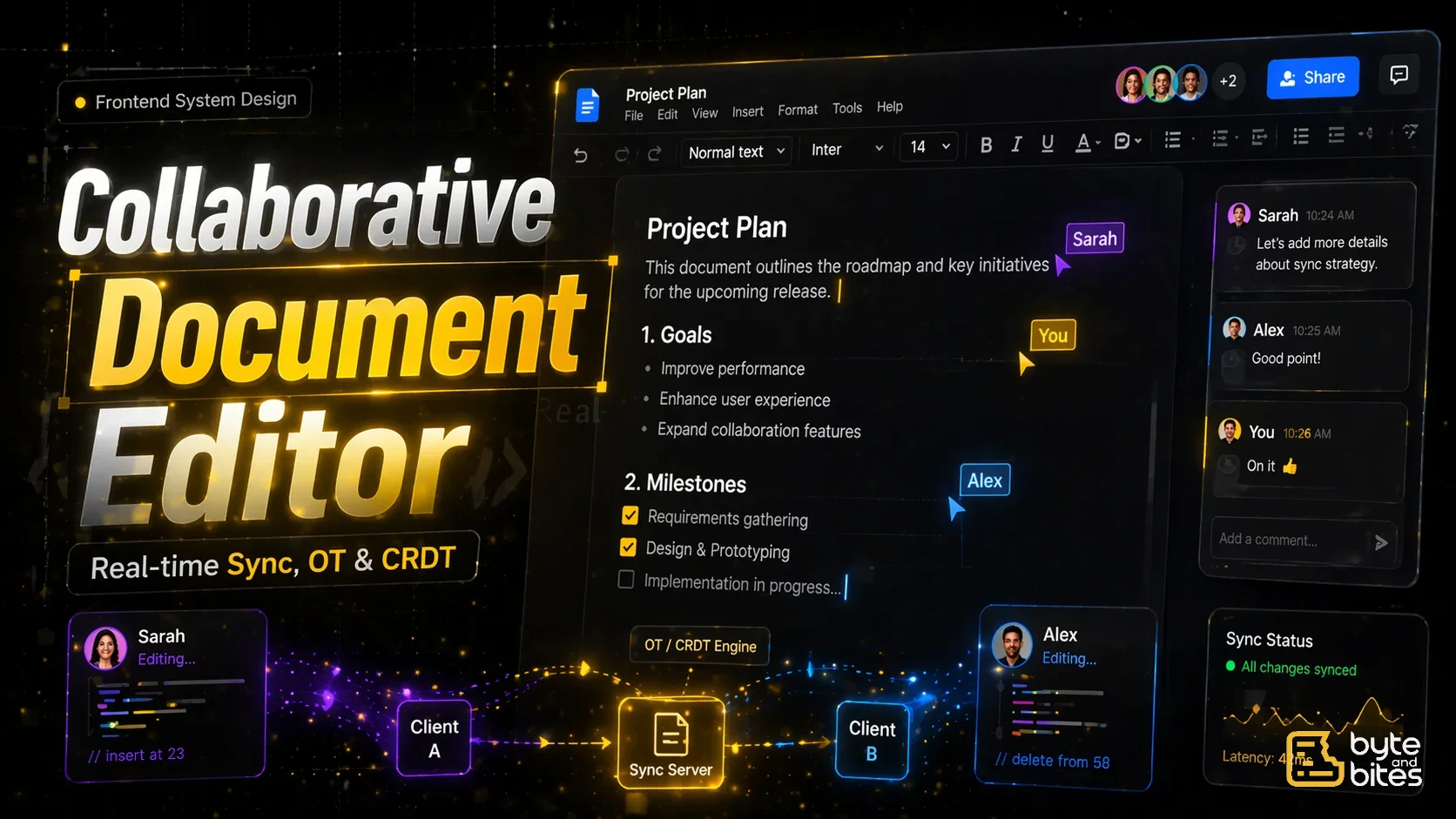
Design a collaborative document editor similar to Google Docs.
Core requirements:
- Multiple users can edit simultaneously
- Changes appear in real time
- Maintain document consistency
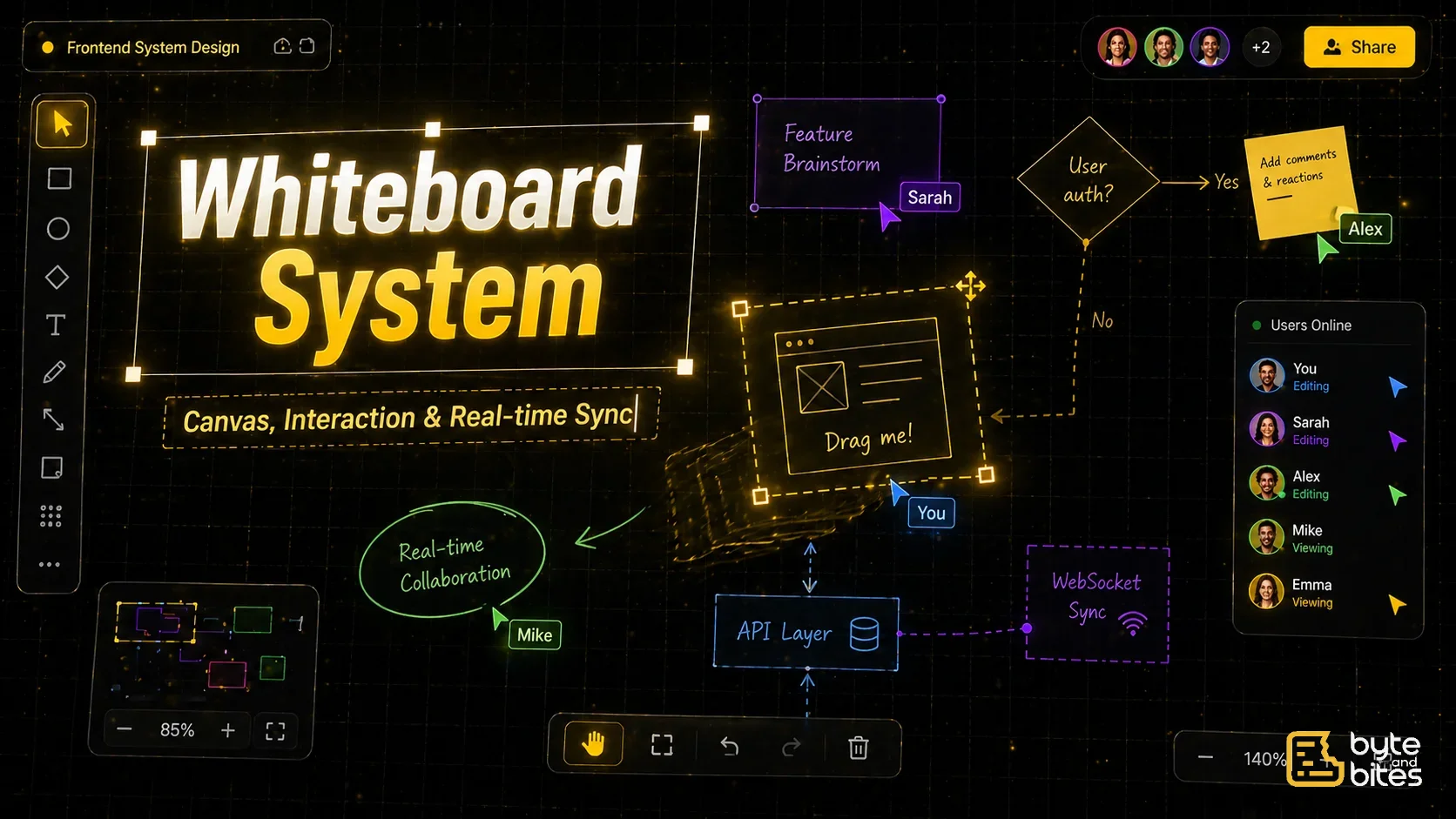
- Show cursor positions of other users
- Support basic formatting
Follow-ups:
- How do you handle concurrent edits?
- How do you resolve conflicts?
- How do you sync changes efficiently?
- What happens when user goes offline?
- How do you handle large documents?
How to Think About It (Framework)
- UI Layer
- Data Model
- Communication Layer
- Sync Strategy
- Conflict Resolution
- State Management
- Performance
- Edge Cases
UI Layer
Main components:
- Editable document area (contenteditable or editor framework)
- Cursor indicators for users
- Toolbar (formatting)
Behavior:
- Real-time text updates
- Cursor tracking
- Highlight remote edits
Data Model
Document representation:
- Entire document as text or structured nodes
- Operations instead of full document updates
Example operation:
- Insert "A" at position 10
- Delete from position 5–8
Communication Layer
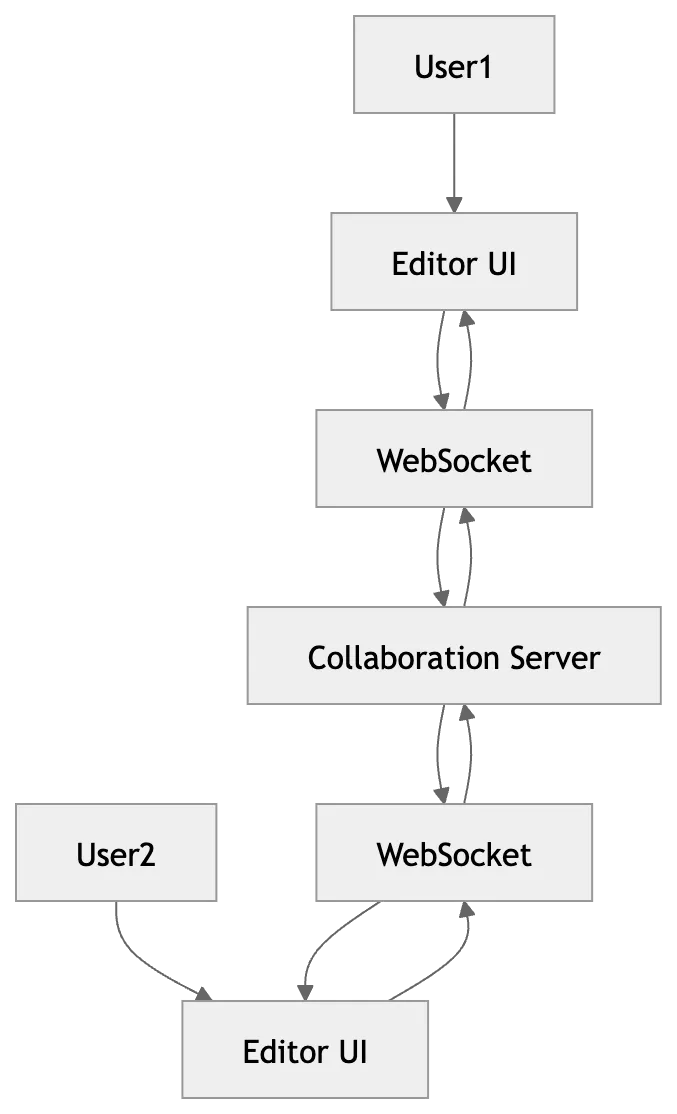
Use WebSockets:
- Persistent connection
- Low latency updates
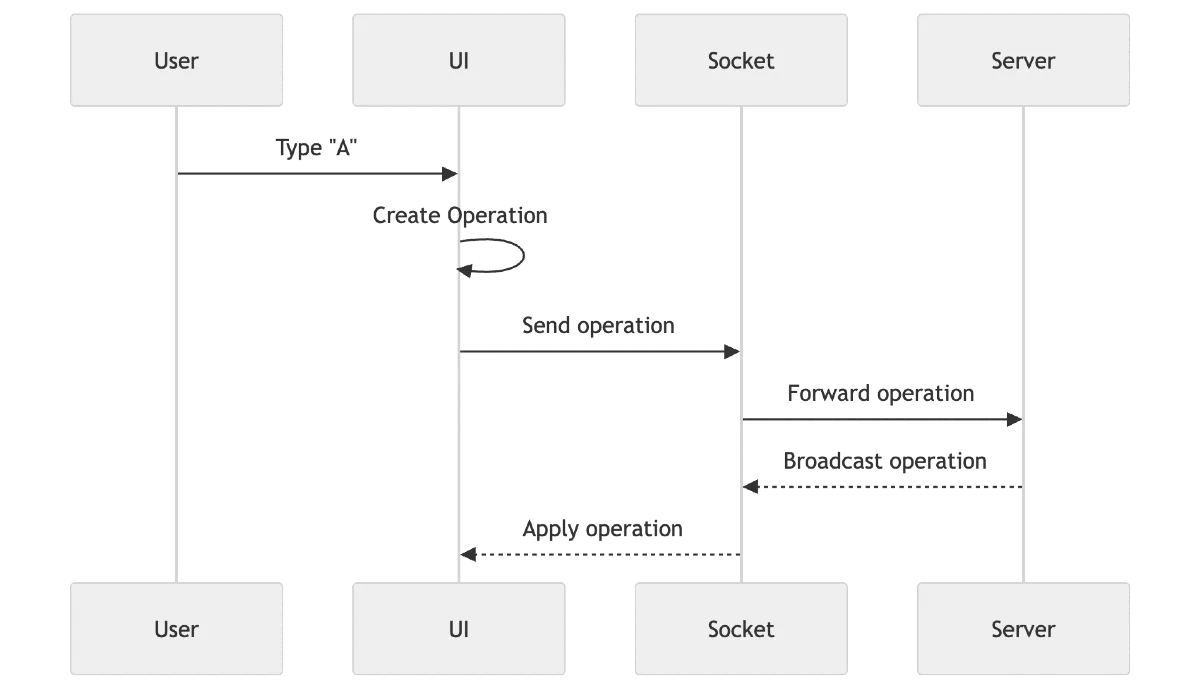
Flow:
- User makes change
- Send operation to server
- Server broadcasts to other clients
Sync Strategy
Two main approaches:
1. Operational Transformation (OT)
- Transform operations based on concurrent edits
2. CRDT (Conflict-free Replicated Data Types)
- Each client maintains independent state
- Merge changes without conflicts
For frontend interviews:
- Mention OT (Google Docs style)
- Mention CRDT as advanced alternative
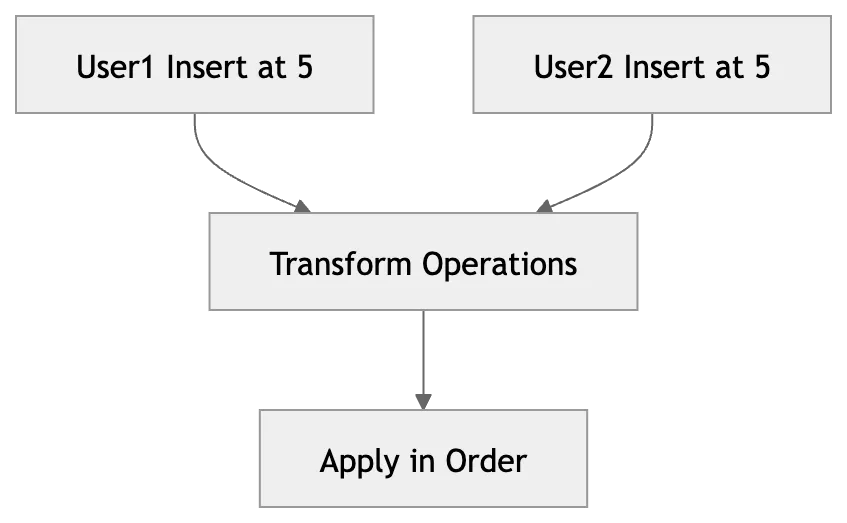
Conflict Resolution
Problem:
- Two users editing same position
Solution:
- Transform operations before applying
- Maintain consistent order
State Management
We need to manage:
- documentContent
- operationsQueue
- remoteUsers (cursor positions)
- connectionStatus
Important:
- Separate local edits vs remote updates
Optimistic Updates
- Apply changes immediately in UI
- Sync with server later
If conflict:
- Adjust via transformation
Cursor Sync
- Track user cursor position
- Broadcast to others
- Render colored cursors

Caching / Persistence
- Save document locally (debounced)
- Sync periodically
Advanced:
- Offline editing
- Replay operations
Performance Optimization
- Chunk Updates: Send small operations, not full document
- Virtualization: For large documents
- Batching: Group multiple operations
- Debouncing: Reduce network calls
Edge Cases
- Simultaneous edits
- Network delays
- Offline users
- Large documents
- Undo/Redo
- Cursor jumps
Simple Flow
User types
↓
Generate operation
↓
Apply locally
↓
Send to server
↓
Server broadcasts
↓
Other clients apply operation
↓
UI updates
What Interviewer is Testing
- Understanding of real-time sync
- Knowledge of OT/CRDT
- Handling conflicts
- UI + data consistency
- Performance thinking