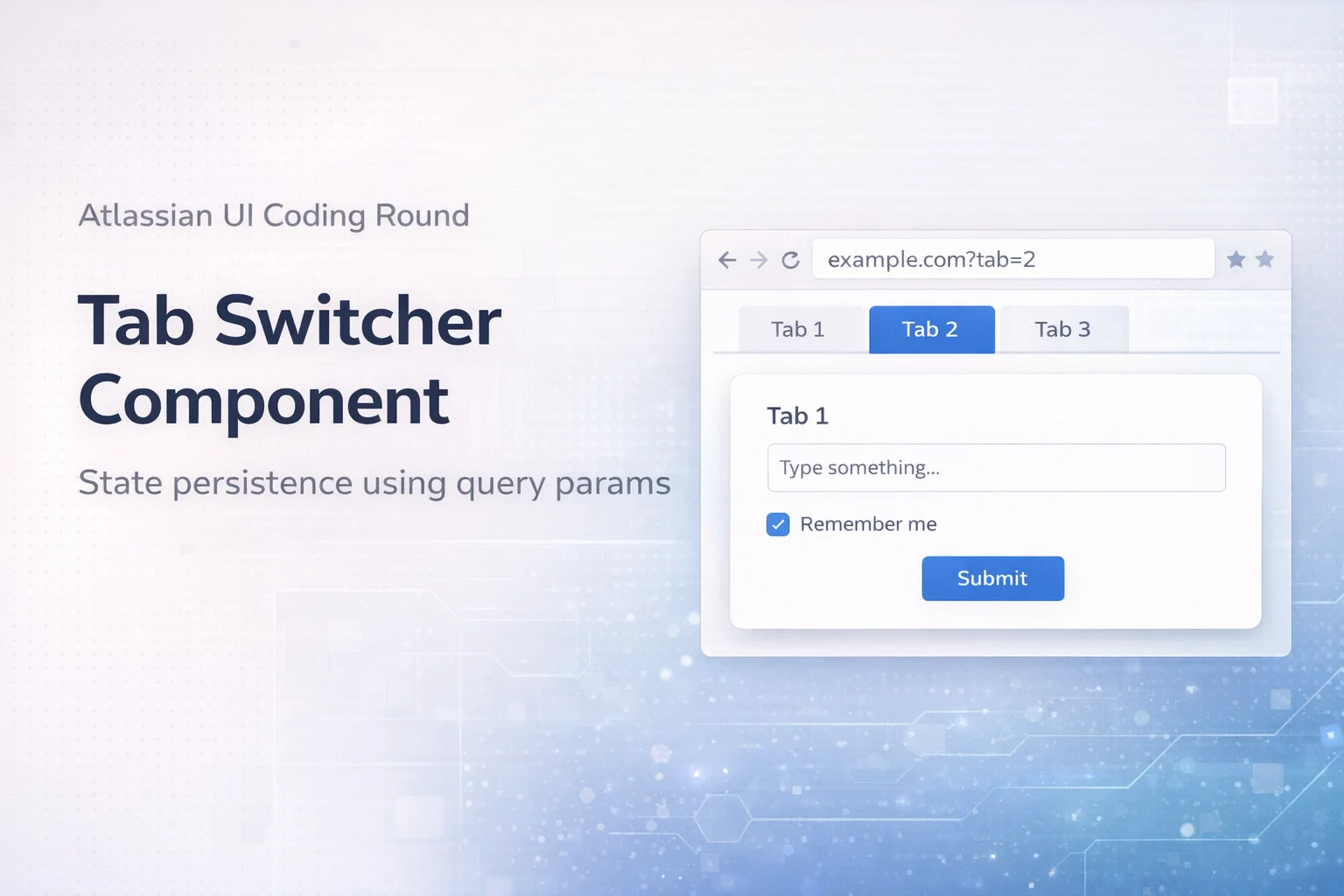
In a recent Atlassian frontend interview, candidates faced a two-part challenge that involved building a tab switcher component. This exercise aims to evaluate a candidate's ability to implement a basic user interface, manage state, and synchronize that state with the URL. The goal was to create a simple tab switcher, where only one tab can be active at any time, and to ensure the selected tab persists in the URL query parameters when users refresh or directly navigate to a page.
Concepts
- Tabs UI Pattern: A design pattern enabling users to switch between different sections of content easily.
- State Management: The process of keeping track of which tab is currently active and displaying the appropriate content.
- URL Query Parameters (Scale Up): A method to maintain state via the URL, which helps keep the user experience consistent across page reloads.
- Syncing UI with URL (Scale up): Techniques to ensure that the interface reflects the state specified in the URL.
Problem Breakdown
Part 1: Basic Tab Switcher
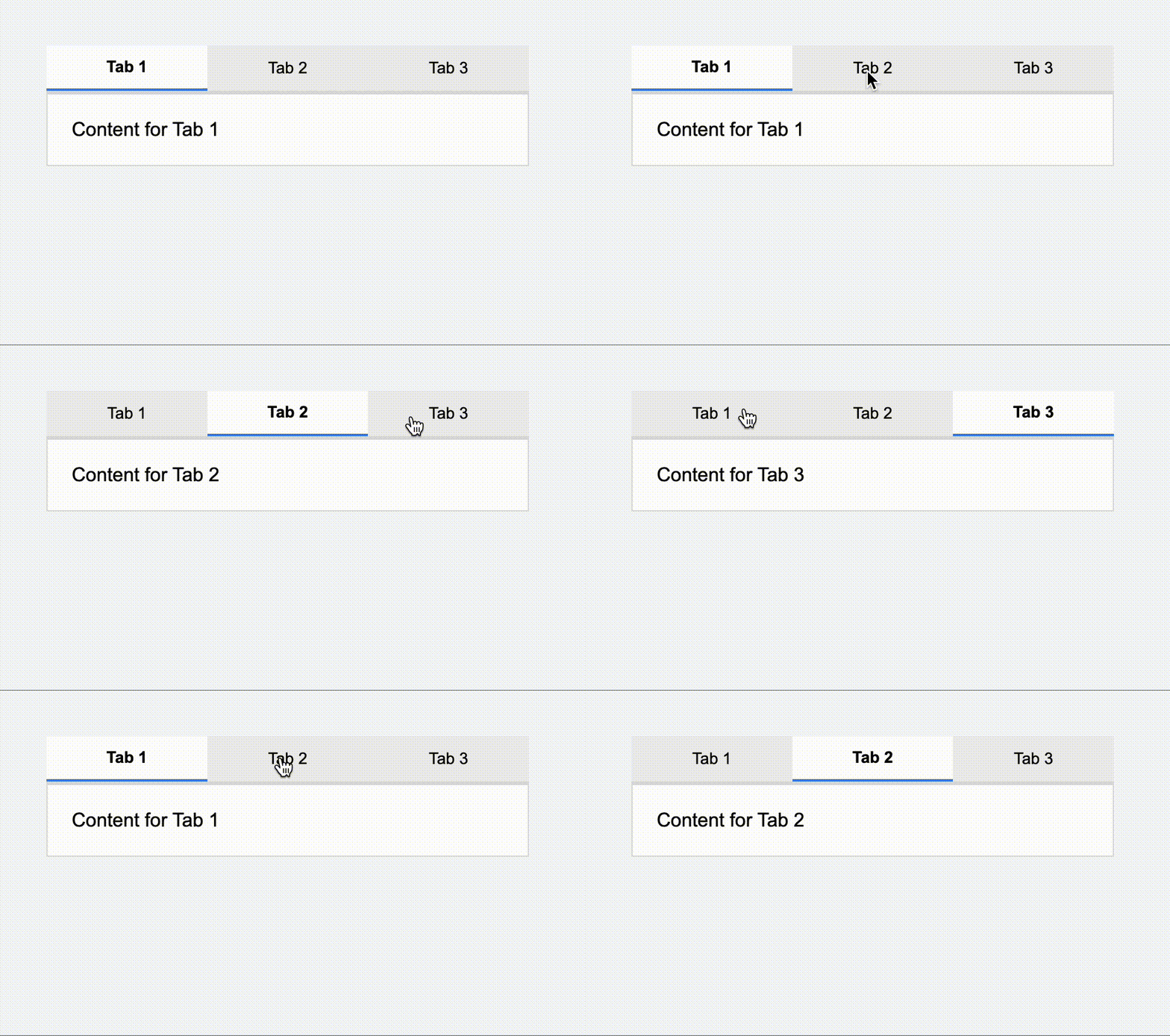
The first part of the task is to create a tab switcher where users can click between multiple tabs, activating one at a time. The main requirements are:
- Only one tab should be active at any point.
- Clicking a tab should display its associated content, while hiding the others.
To manage the active state, we can use a simple JavaScript variable to track which tab the user has clicked. When a tab is activated, it should render the corresponding content section.
Part 2 (Scale up): State Persistence using Query Params
The second part of the challenge involves persisting the active tab's state in the URL using query parameters. This persistence is crucial for several reasons:
- Users should be able to bookmark or share specific tabs via URL.
- On page reload or direct navigation, the appropriate tab should be displayed based on the URL.
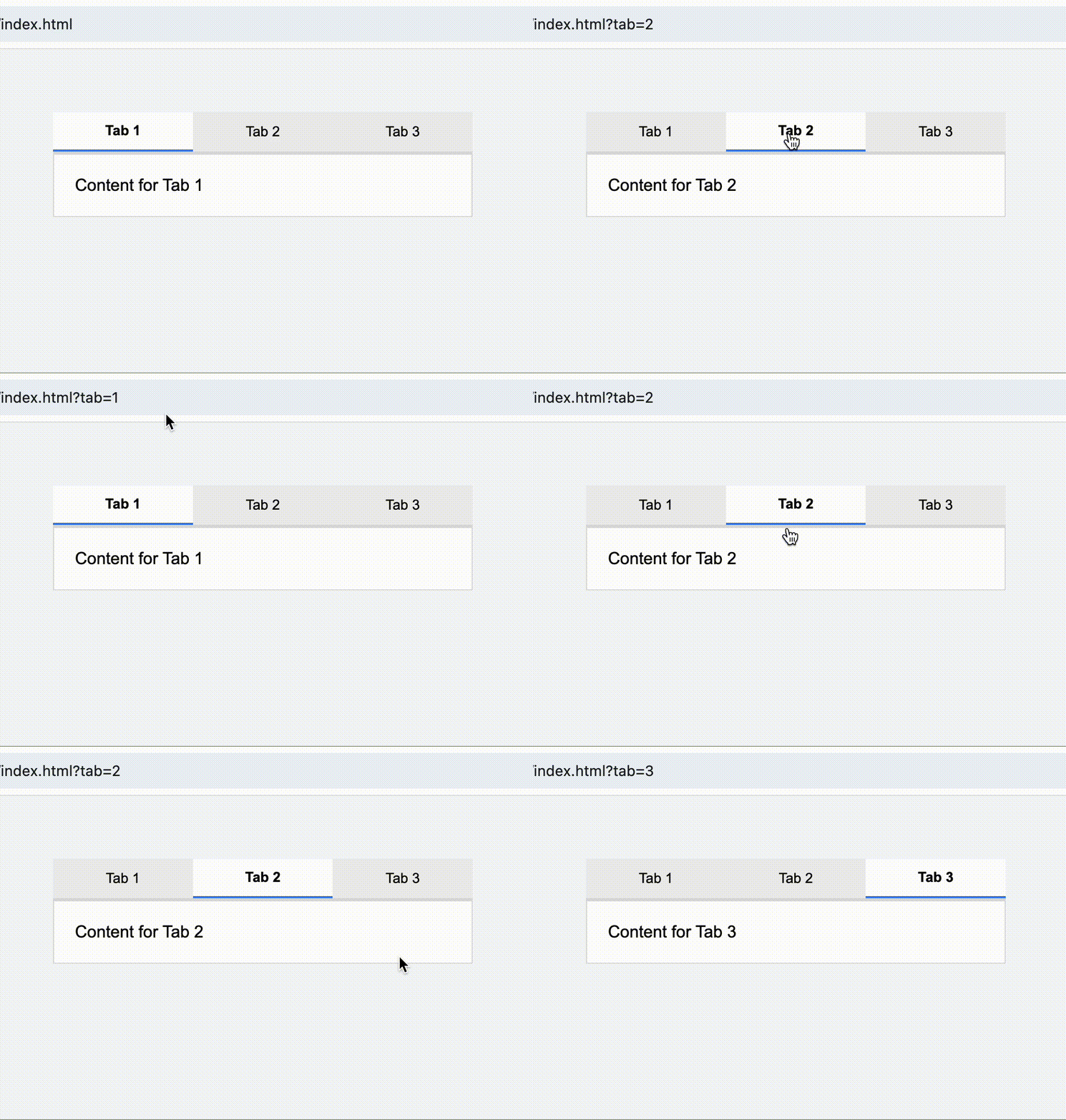
Handling edge cases is essential here:
- Invalid Tab: What should happen if an invalid tab number is provided in the URL?
- Missing Param: We need to define a default behavior when the `tab` parameter is missing.
- Default Tab: Establishing which tab to show by default when no specific value is given.
Solution
Part 1 Solution
The implementation of the basic tab switcher is straightforward. Below is the code that manages tab interactions:
<!DOCTYPE html>
<html lang="en">
<head>
<meta charset="UTF-8" />
<title>Tab Switcher</title>
<link rel="stylesheet" href="./index.css" />
</head>
<body>
<div class="container">
<div class="tabs">
<button class="tab active" data-tab="1">Tab 1</button>
<button class="tab" data-tab="2">Tab 2</button>
<button class="tab" data-tab="3">Tab 3</button>
</div>
<div class="content">
<div class="panel active" data-tab="1">Content for Tab 1</div>
<div class="panel" data-tab="2">Content for Tab 2</div>
<div class="panel" data-tab="3">Content for Tab 3</div>
</div>
</div>
<script src="./index.js"></script>
</body>
</html>
body {
font-family: Arial, sans-serif;
background: #f5f7fa;
display: flex;
justify-content: center;
margin-top: 60px;
}
.container {
width: 400px;
}
.tabs {
display: flex;
border-bottom: 2px solid #ddd;
}
.tab {
flex: 1;
padding: 10px;
cursor: pointer;
background: #eee;
border: none;
}
.tab.active {
background: white;
border-bottom: 2px solid #3b82f6;
font-weight: bold;
}
.content {
padding: 20px;
background: white;
border: 1px solid #ddd;
}
.panel {
display: none;
}
.panel.active {
display: block;
}
const tabs = document.querySelectorAll(".tab");
const panels = document.querySelectorAll(".panel");
tabs.forEach(tab => {
tab.addEventListener("click", () => {
const selected = tab.dataset.tab;
// update tab active state
tabs.forEach(t => t.classList.remove("active"));
tab.classList.add("active");
// update panel
panels.forEach(panel => {
panel.classList.toggle("active", panel.dataset.tab === selected);
});
});
});
Part 2 (Scale Up) Solution
The next step is to integrate URL management with our tab switcher. Here's how we can achieve that:
const tabs = document.querySelectorAll(".tab");
const panels = document.querySelectorAll(".panel");
// Helper: activate tab
function activateTab(tabId) {
tabs.forEach(tab => {
tab.classList.toggle("active", tab.dataset.tab === tabId);
});
panels.forEach(panel => {
panel.classList.toggle("active", panel.dataset.tab === tabId);
});
}
// Helper: update URL
function updateURL(tabId) {
const url = new URL(window.location);
url.searchParams.set("tab", tabId);
window.history.pushState({}, "", url);
}
// Handle tab click
tabs.forEach(tab => {
tab.addEventListener("click", () => {
const selected = tab.dataset.tab;
activateTab(selected);
updateURL(selected);
});
});
// On load → read from URL
function initFromURL() {
const params = new URLSearchParams(window.location.search);
const tab = params.get("tab");
if (tab && [...tabs].some(t => t.dataset.tab === tab)) {
activateTab(tab);
} else {
activateTab("1"); // default
}
}
initFromURL();
This implementation accomplishes two main objectives:
- Reads the query parameter from the URL when the page loads to set the active tab.
- Updates the URL whenever a tab is clicked without reloading the page.
Conclusion
Through this exercise, interviewers assess a candidate's ability to manage component state and synchronize it with URL parameters. Successful candidates will demonstrate a clear understanding of tab management, URL handling, and how to think critically about user experience. The difference between an average and a strong answer lies not only in the correct implementation but also in articulating the rationale behind design decisions and handling edge cases effectively.
Similar Questions
- Implement a dropdown menu that maintains open/close states in the URL.
- Build a pagination component that persists the page number in the URL.
- Create a modal dialog that remembers open/close state based on the URL.
- Design a filterable product list that maintains filter states in the URL.
- Develop a wizard component that progresses through steps and saves state in the URL.